








What Is a Digital Business Card?
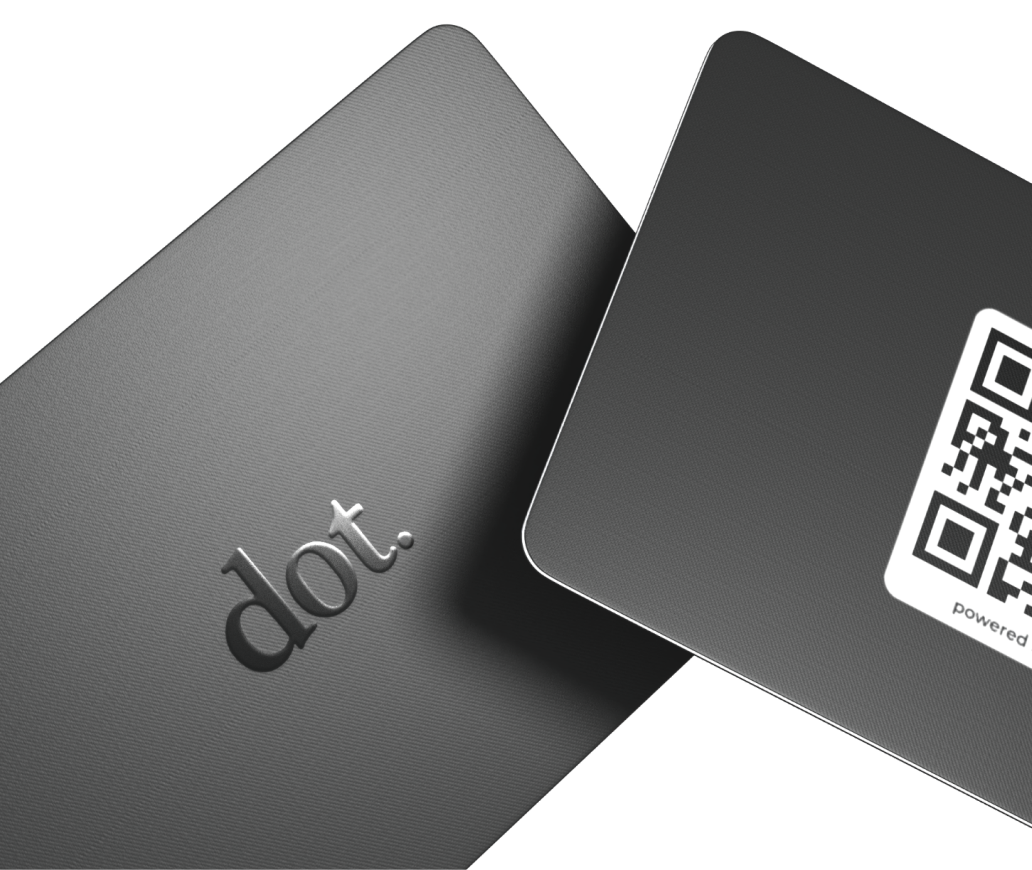
A digital business card is a modern way to share your professional contact information through a shareable profile instead of a printed paper card. It typically includes your name, role, company, phone number, email, website, social links, and (often) a profile photo. Unlike paper cards, a digital business card can be updated anytime without reprinting.
Digital business cards are usually shared in one of three ways:
-
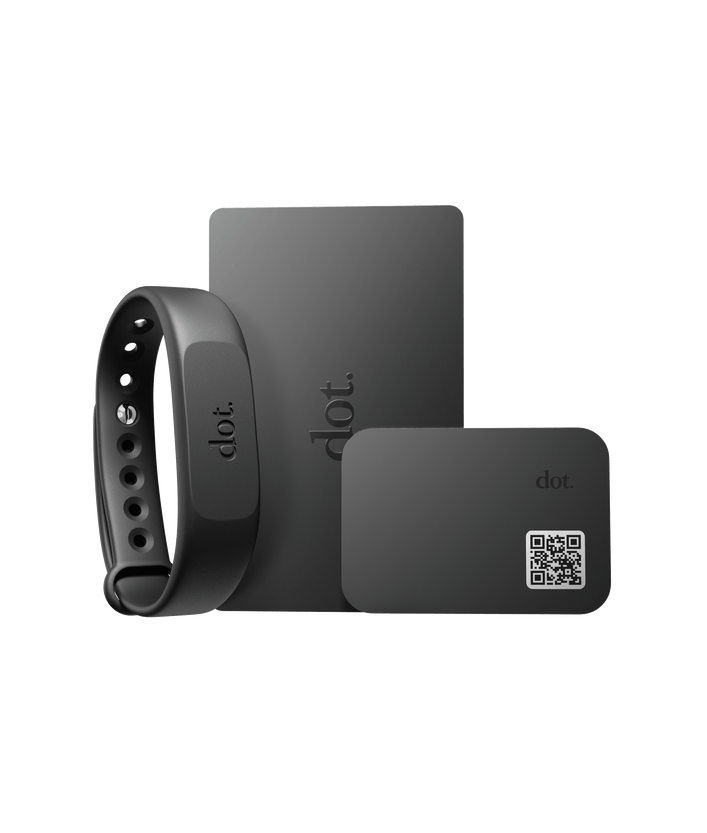
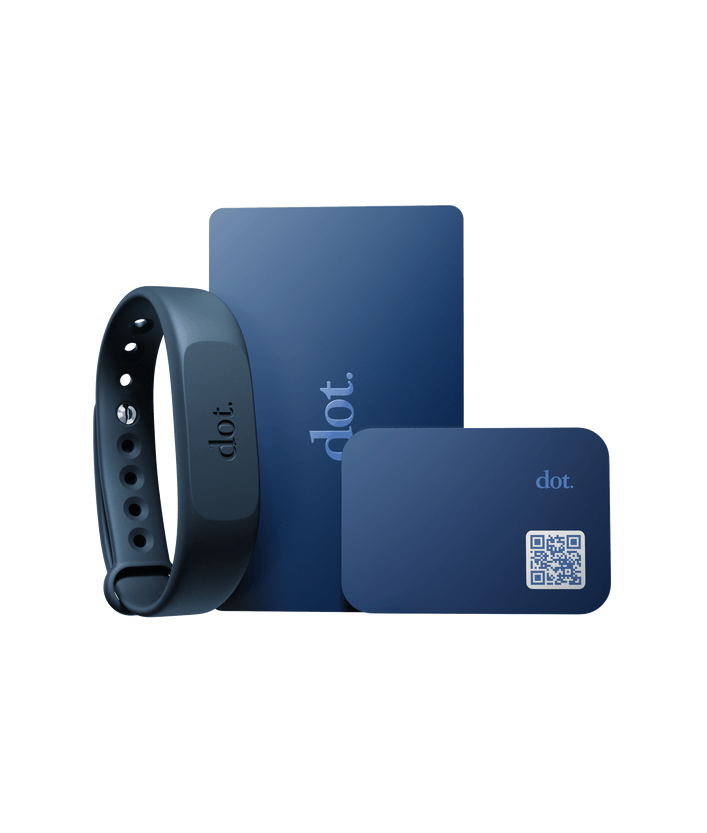
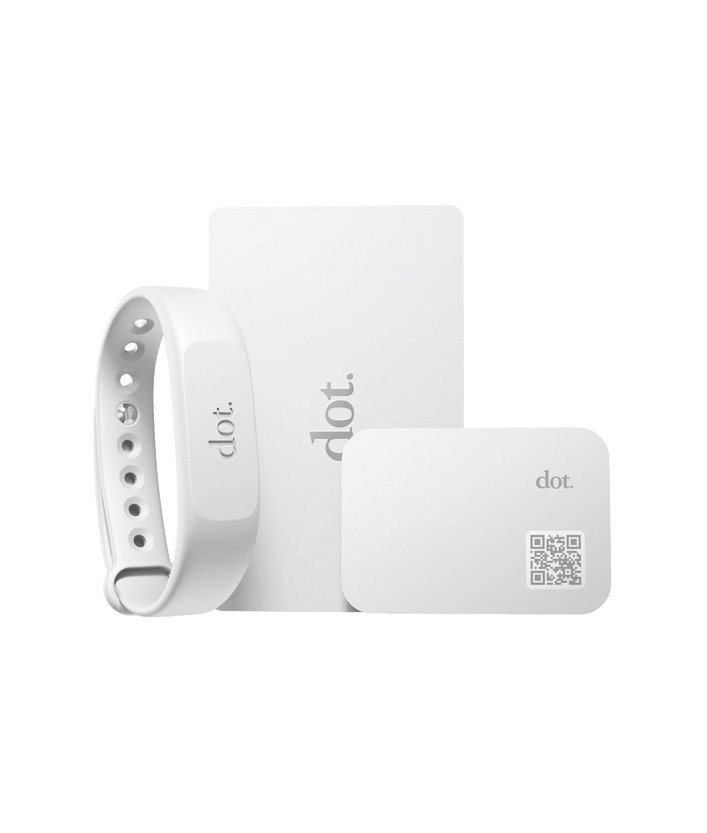
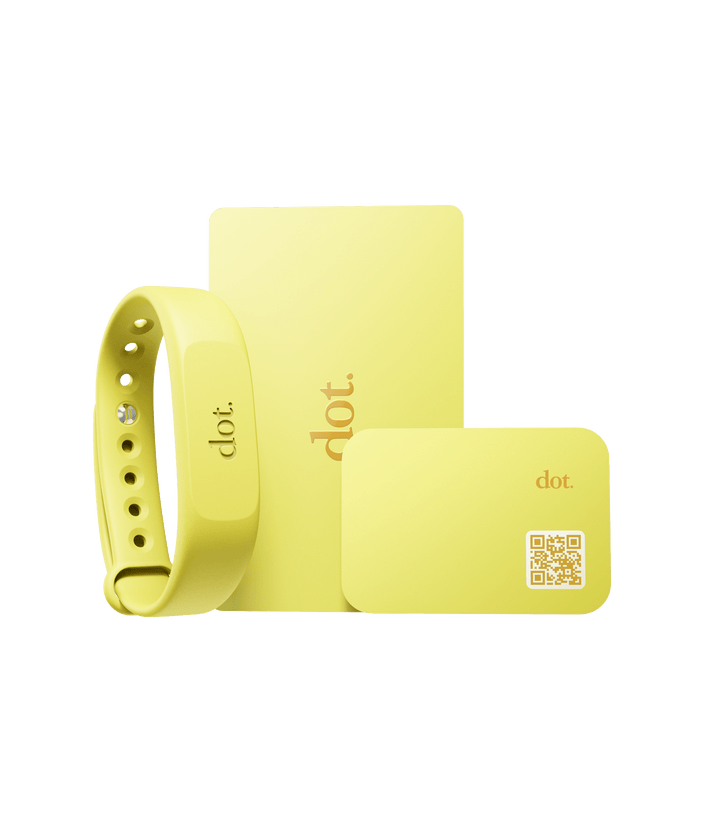
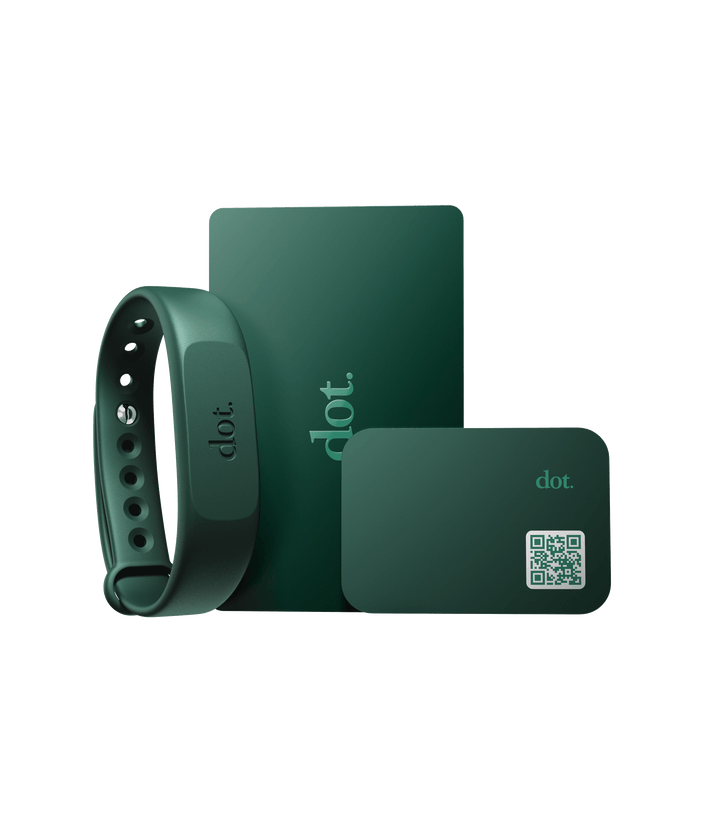
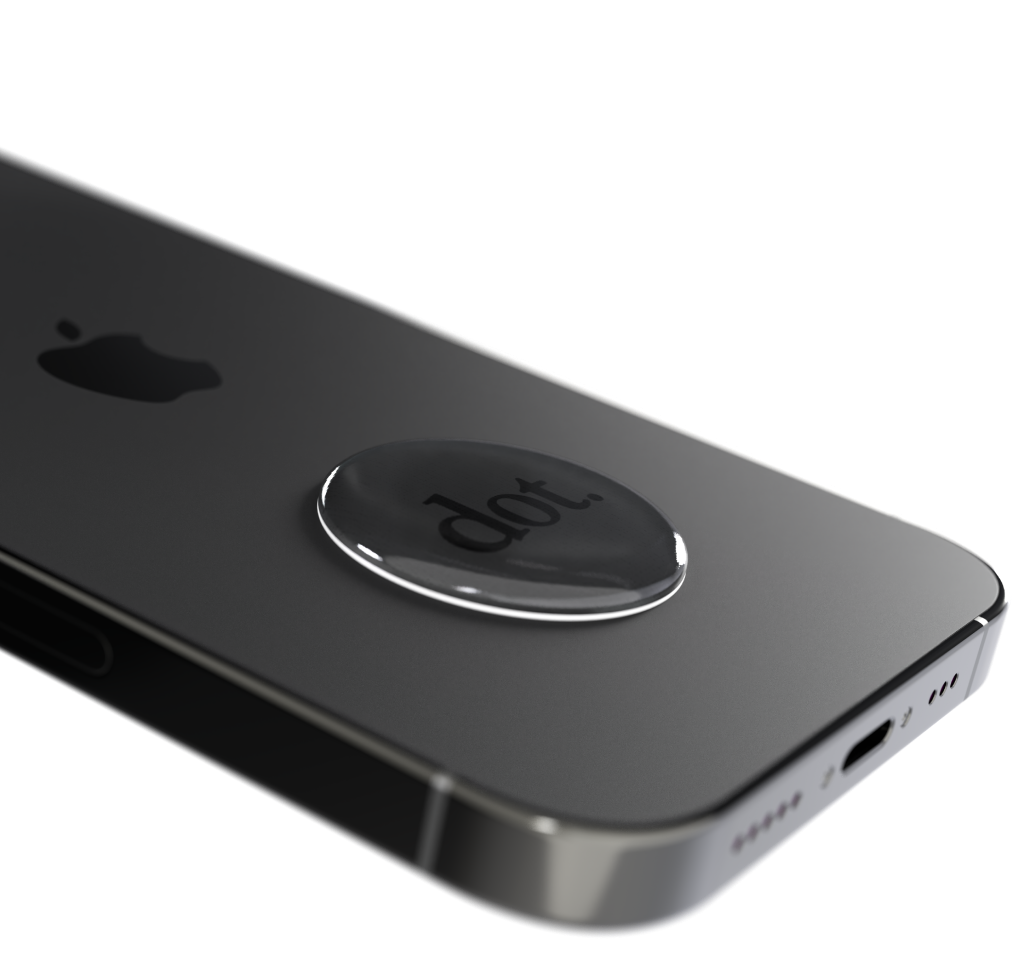
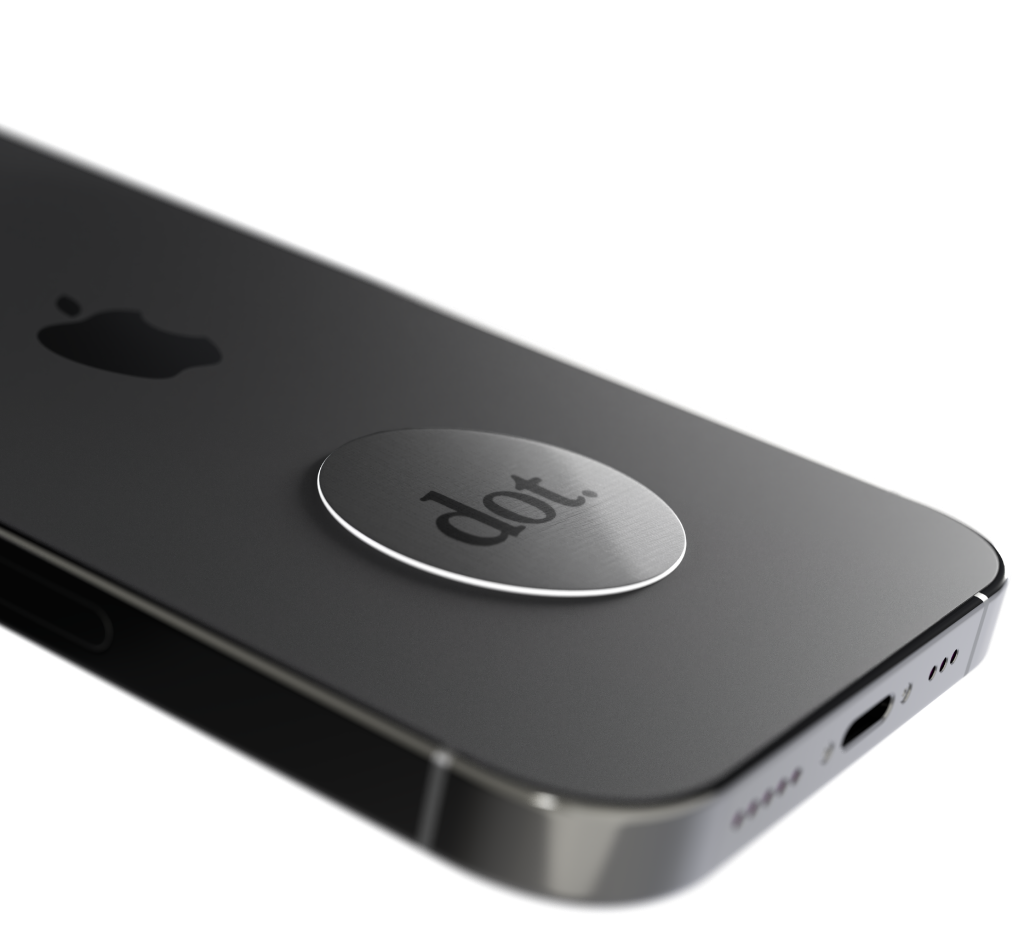
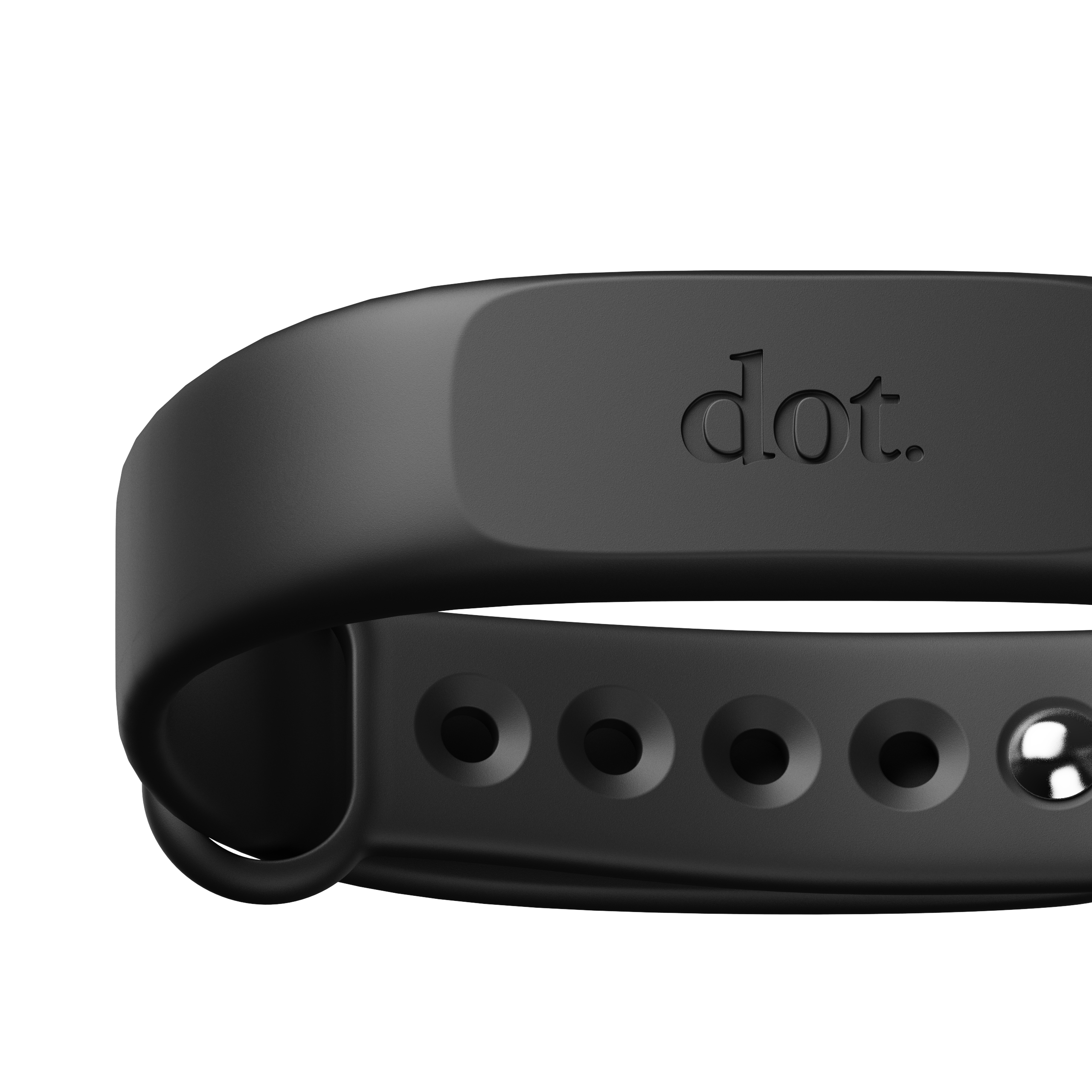
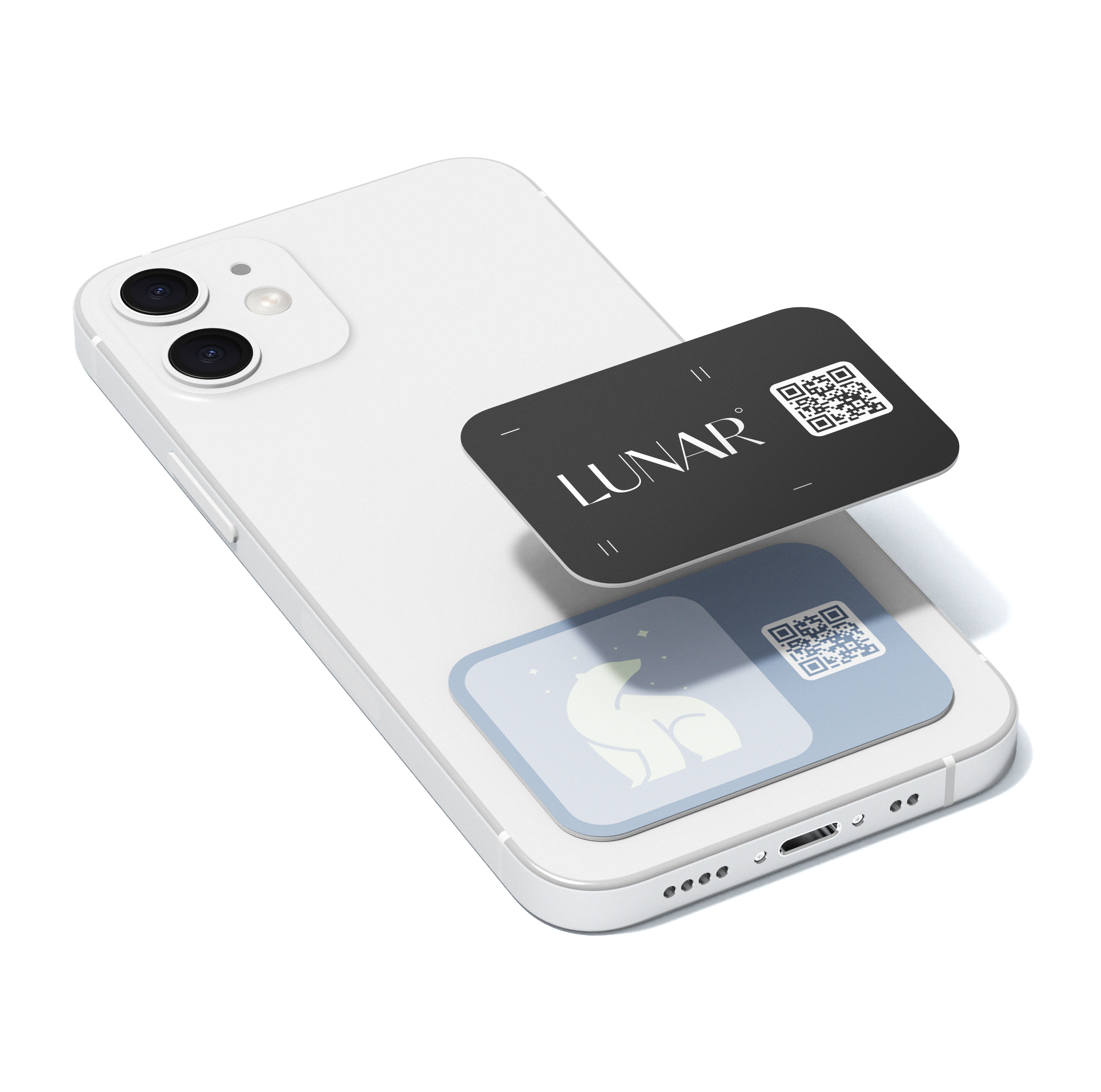
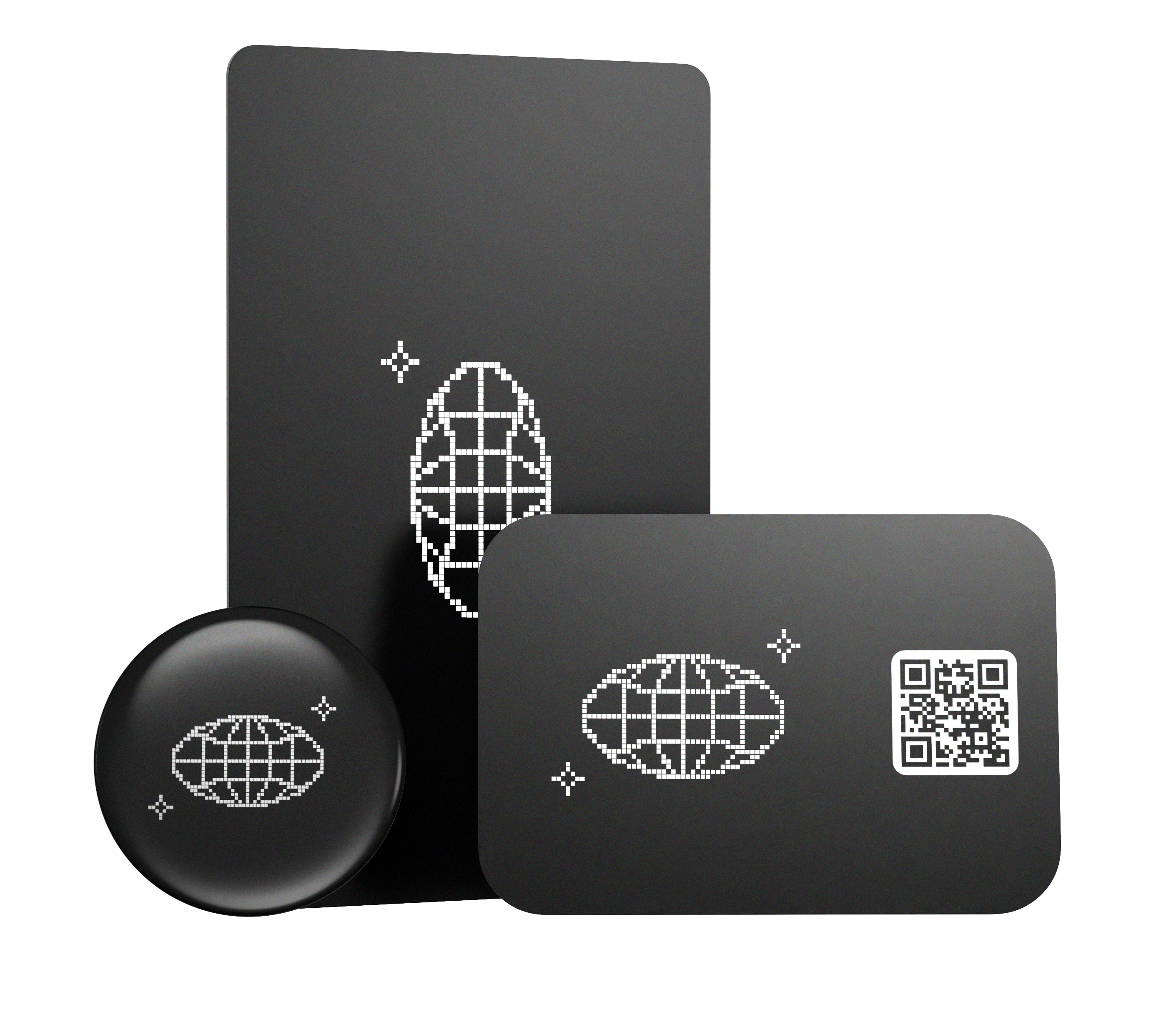
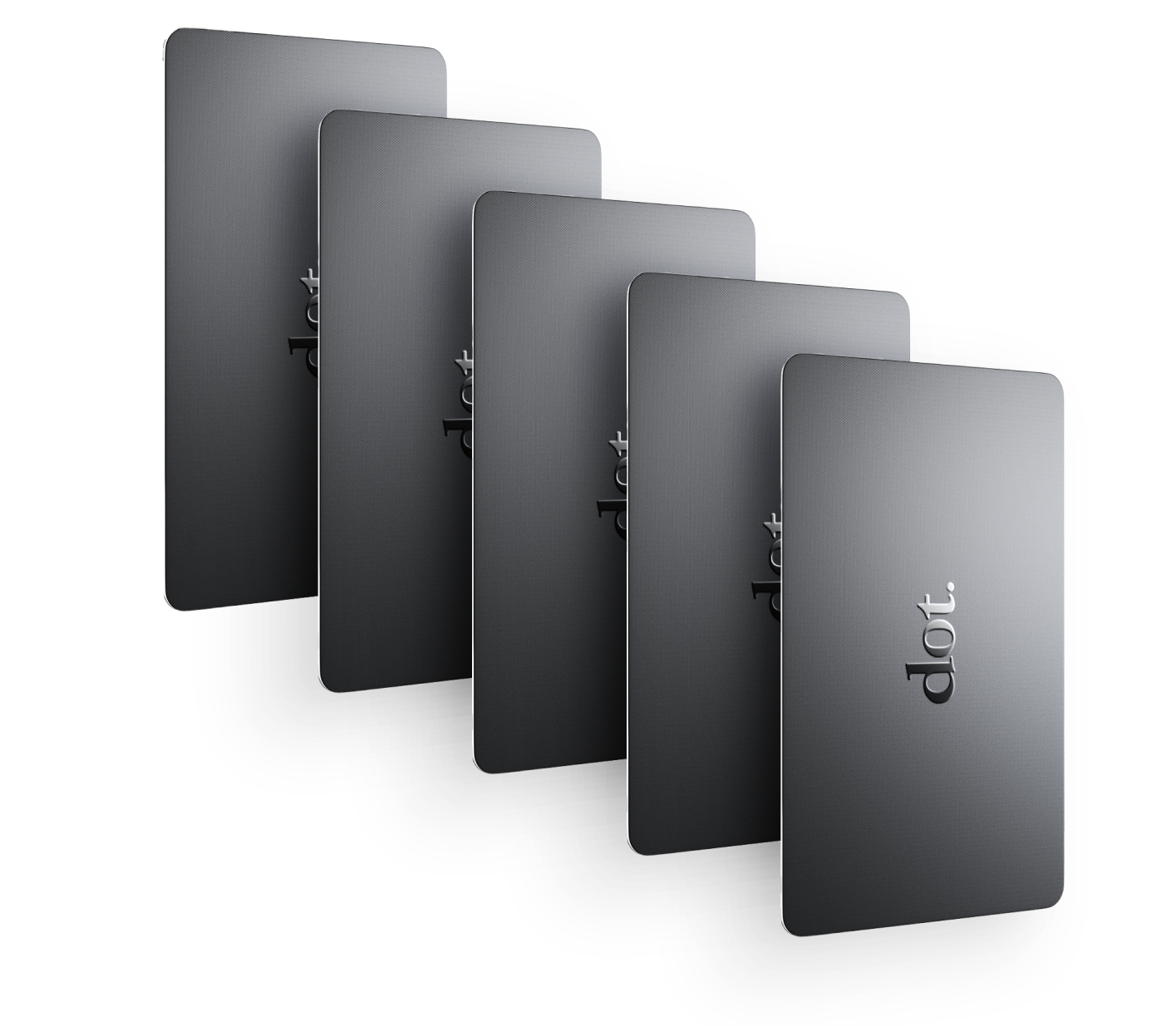
NFC tap (tap a card, sticker, or wearable to a phone)
-
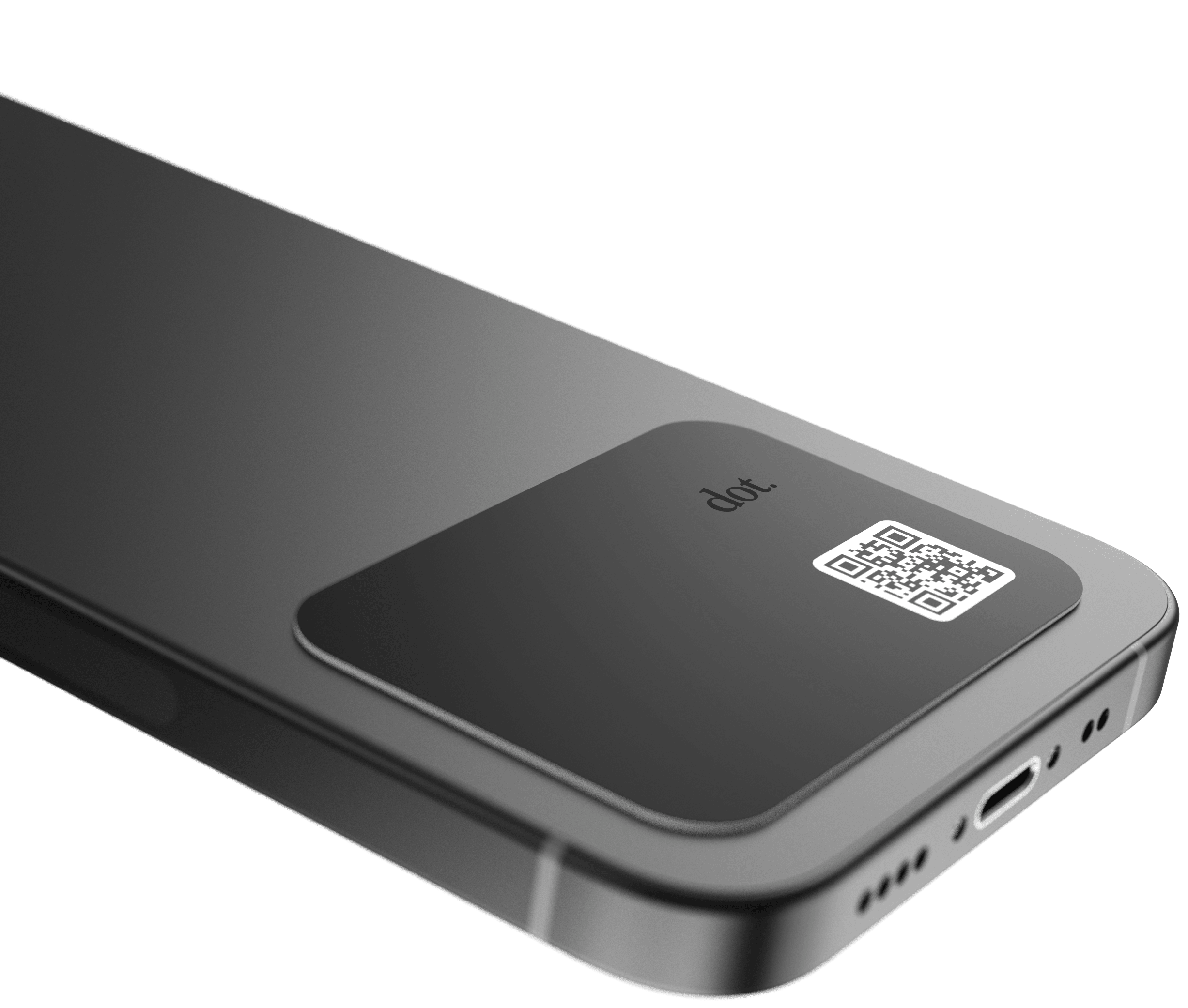
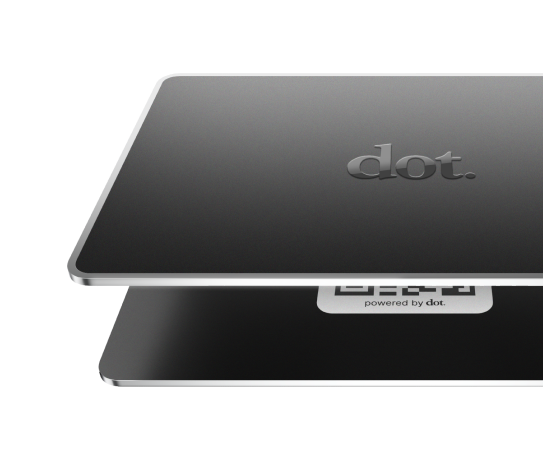
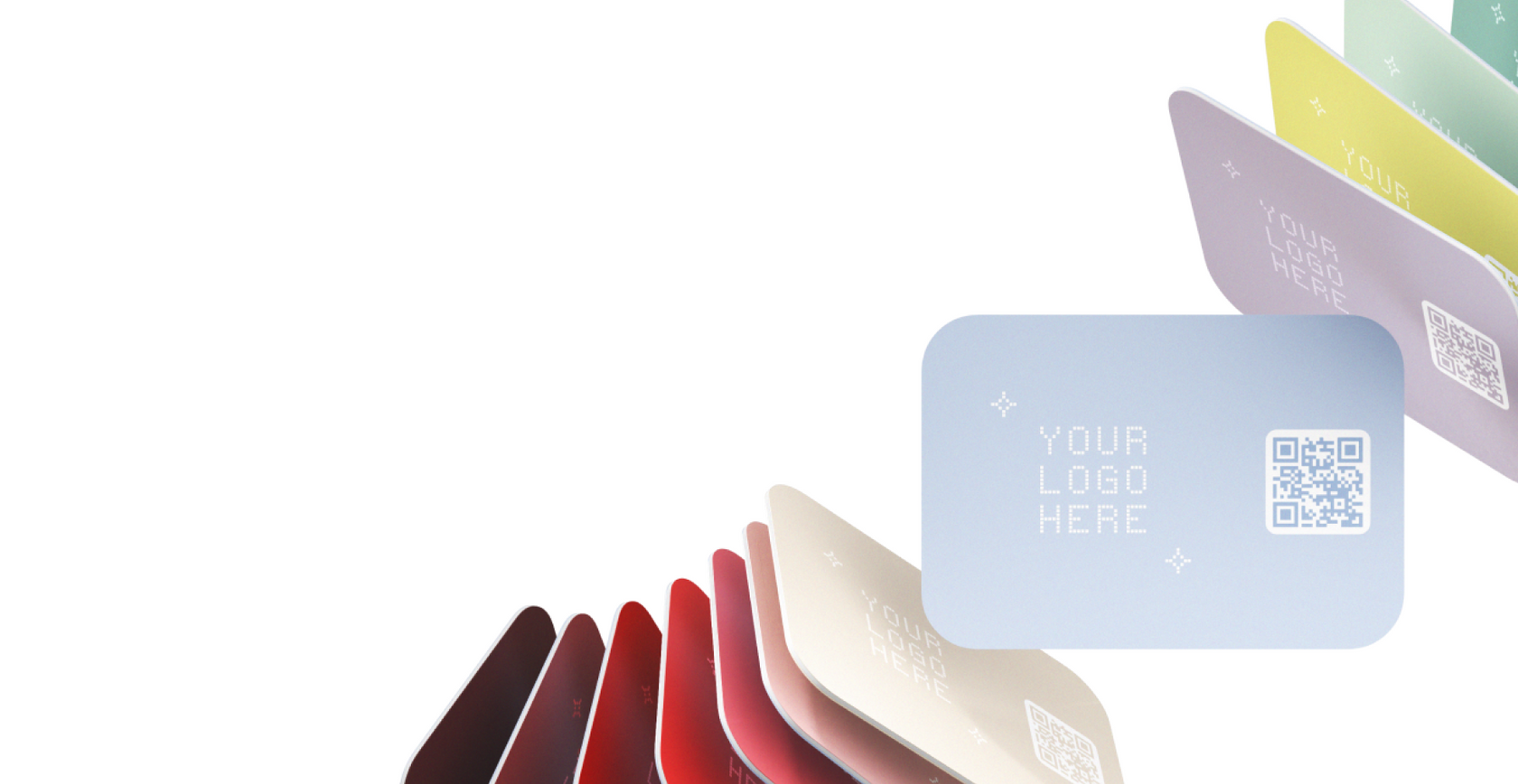
QR code scan
-
Link share (text, email, or messaging apps)
In most cases, the recipient doesn’t need to install an app to view your information.
How Digital Business Cards Work
A digital business card is built around two pieces:
-
A digital profile (a web page or profile link that holds your information)
-
A sharing method (tap, QR, or link)
Here’s the basic flow:
-
You create a profile and add your contact info (and optional links like LinkedIn, Calendly, portfolio, etc.).
-
You share that profile in person or online using NFC, QR, or a link.
-
The recipient opens your profile and can save your contact details or follow your links.
-
If you update your info later, your shared profile reflects the latest version automatically.
Why Digital Business Cards Are Replacing Paper Cards
Paper business cards still work, but they have practical limitations: they can’t be updated, they get lost, and they often require manual retyping. Digital business cards solve those problems in a way that fits how people actually network today—often with a phone already in hand.
The most common reasons professionals switch
1. They’re easier to share in the moment
If someone asks for your info, you can share it instantly via tap, QR code, or a link—without searching for a card or hoping you brought enough.
2. You can update your information without reprinting
Job title change, new phone number, updated website, new portfolio—digital cards are designed to be edited anytime, so your information stays current.
3. They reduce friction for the recipient
A digital profile can make it easier for the other person to:
-
Save your contact in one step
-
Click to your LinkedIn or website
-
Book time with you (if you include a scheduling link)
Paper cards usually require manual effort: typing, scanning, or remembering to follow up later.
4. They match modern networking behavior
A lot of networking happens in fast settings—events, conferences, coffee chats, meetups—where people are already using their phones to connect, take notes, and follow up.
5. They can reduce wasted printing
Many people print cards, hand out a portion, and then reprint when details change. Digital business cards can reduce that cycle.
Digital vs Paper Business Cards
Here’s a straightforward comparison.
Where digital business cards tend to be better:
-
Instant sharing (tap/scan/link)
-
Always up to date (no reprinting)
-
More information than a small card can hold
-
Easier follow-up (links to LinkedIn, portfolio, booking pages)
-
Less likely to be lost (stored in a phone)
Where paper business cards still have advantages:
-
No phone needed to receive it
-
Works in any environment (no scanning or tapping required)
-
Feels familiar in traditional industries
-
Useful as a physical leave-behind (restaurants, shops, appointments)
For many professionals, the practical solution is a hybrid approach: digital for most interactions, paper for the few situations where it’s still preferred.
NFC vs QR vs Link Sharing
Most digital business card solutions support one or more of these. Each has a best use case.
NFC (Tap) - A chip embedded in a card or wearable that triggers a link when tapped to a phone.
Best for:
-
-
Conferences and networking events
-
Fast in-person sharing
-
Repeated daily use (sales, recruiting, hospitality)
-
Things to know:
-
-
Most modern smartphones support NFC, but familiarity varies.
-
A tap usually opens a web profile link.
-
QR Code (Scan) - A scannable code that opens your profile link.
Best for:
-
-
Printed signage (booths, events, storefronts)
-
Presentation slides, resumes, flyers
-
When tapping isn’t practical
-
Things to know:
-
-
Works broadly because scanning is familiar.
-
Requires the recipient to open their camera.
-
Link Sharing - Sending your profile link through text, email, or messaging apps.
Best for:
-
-
Remote networking
-
Online introductions
-
Follow-ups after meeting
-
Things to know:
-
-
Very reliable and universal.
-
Doesn’t require physical hardware.
-
Pros and Cons of Digital Business Cards
Pros
-
Easy to share instantly
-
Updates anytime without reprinting
-
Can include richer info (links, portfolio, calendar)
-
Works in-person and online
-
Often more convenient for recipients
Cons
-
Recipient typically needs a smartphone
-
Some people prefer traditional paper
-
In low-tech environments, paper can still be simpler
-
Not all solutions work the same (features vary)
Who Digital Business Cards Are Best For
Digital business cards are especially useful for people who network often or need their information to stay current.
Common fits include:
-
Sales professionals (fast sharing, repeat usage)
-
Recruiters (high volume introductions)
-
Job seekers (portfolio + LinkedIn in one place)
-
Founders and small business owners (website, booking, services)
-
Consultants (clear positioning and credibility links)
-
Creators (social links and brand pages)
-
Event staff and hospitality (quick, repeat interactions)
Common Questions About Digital Business Cards
Do people need an app to receive a digital business card?
Usually, no. Most digital business cards open a web profile that can be viewed in a browser.
Are digital business cards secure?
Security depends on the platform and what you choose to display. In general, it’s best to share only what you’re comfortable making accessible (for example, some people display an email and LinkedIn, but not a personal phone number).
Can I still use paper cards?
Yes. Many professionals keep paper cards for specific situations and use digital for most day-to-day networking.
Do digital business cards work on iPhone and Android?
Most do, as long as they share via a web link (NFC and QR typically open a web page). Compatibility varies by device and method, but QR and links are broadly universal.
What should I include on a digital business card?
At minimum:
-
-
Name
-
Role / company
-
Email and/or phone
-
LinkedIn or website
-
Optional (high value):
-
-
Portfolio
-
Booking link
-
Social links relevant to your work
-