








The right digital business card isn’t the one with the most features. It’s the one that works consistently in real situations, stays up to date with minimal effort, and makes it easy for the other person to follow up.
This guide focuses on the decisions that matter most once you’ve already decided to go digital.
Start With How You Actually Network
Before comparing tools or products, clarify where and how often you share your information.
Frequent in-person networking
If you regularly meet people at conferences, events, client meetings, or site visits, prioritize:
-
One-step sharing (tap or scan)
-
Reliability in busy environments
-
A profile that’s quick to save
Common roles include sales, recruiting, founders, consultants, and event staff.
Occasional or mixed networking
If you share your information occasionally or mostly online, prioritize:
-
Simple link sharing
-
Easy updates
-
A clean, professional profile
This is common for individual contributors, job seekers, freelancers, and students.
Team or company use
If you’re choosing for multiple people, priorities shift toward:
-
Consistent branding
-
Admin controls
-
Permission and security management
-
Easy onboarding and offboarding
Choose the Sharing Methods That Fit Your Situations
Most digital business cards support one or more sharing methods. The right choice depends on your environment, not just personal preference.
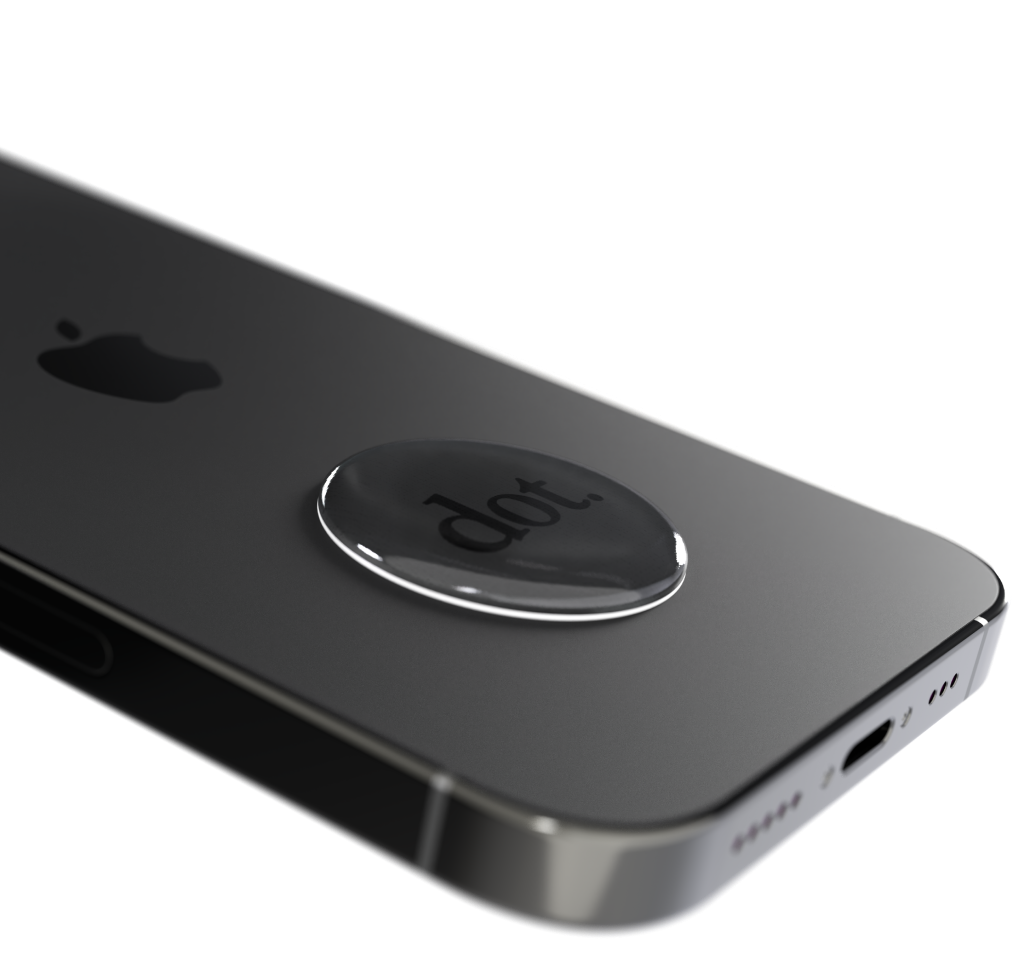
NFC (Tap to Share)
Best for fast, in-person exchanges.
NFC works well when:
-
-
You meet many people back-to-back
-
Speed matters
-
You want a natural, low-friction interaction
-
Important considerations:
-
-
Compatibility with both iPhone and Android
-
No app required for the recipient
-
A backup option if tapping isn’t practical
-
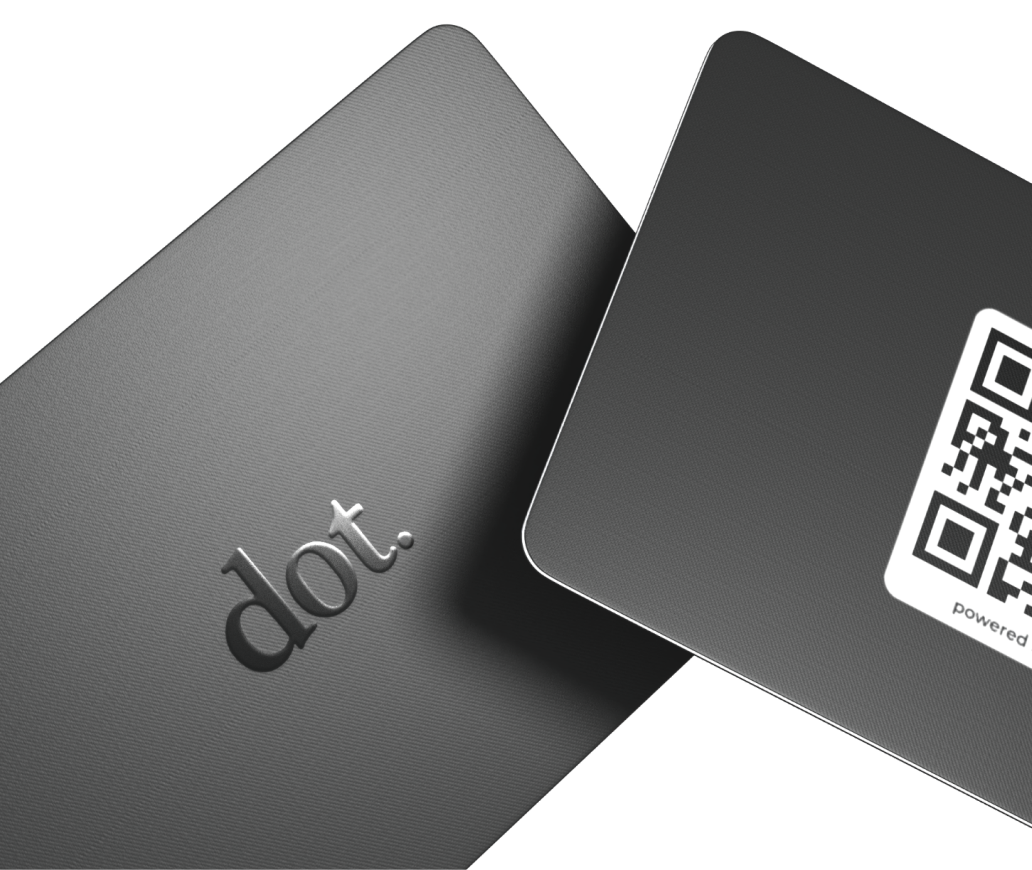
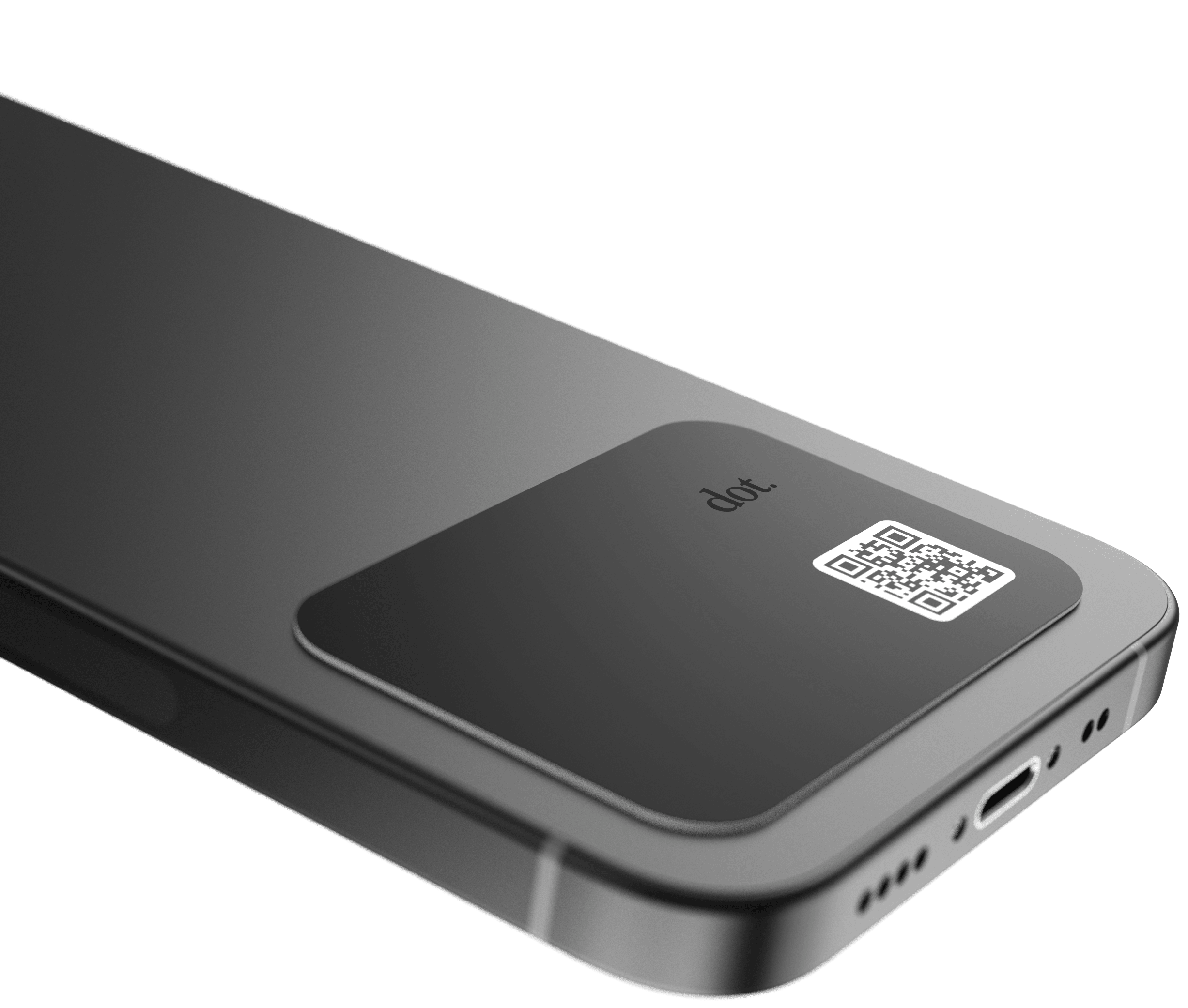
QR Codes
Best for visibility and static placements.
QR codes work well for:
-
-
Events and booths
-
Printed materials and signage
-
Resumes, slides, and displays
-
Look for:
-
-
A QR code that links to a profile you can update anytime
-
One destination link rather than a fixed file
-
Shareable Links
Best for remote networking and follow-ups.
Links work well when:
-
-
Networking happens over email or messaging apps
-
You want universal compatibility
-
Key factors:
-
-
Clean, easy-to-share URL
-
Fast-loading mobile profile
-
Practical rule:
If you network in person with any regularity, choose a solution that supports tap, QR, and link sharing so you’re never limited by context.
Decide What the Recipient Should Be Able to Do
A digital business card should make the next step obvious.
Common goals include:
-
Saving your contact information
-
Viewing your LinkedIn or website
-
Booking a meeting
-
Exploring your portfolio or services
When evaluating options, check:
-
Are action buttons clear and easy to tap?
-
Is the layout focused, or cluttered with too many links?
-
Can you control which actions appear?
The best digital business card guides follow-up without overwhelming the recipient.
Evaluate the Profile Experience (Not Just the Card)
The profile is where your digital business card succeeds or fails.
What to look for
-
Fast load time on mobile
-
Clean, readable layout
-
One-tap contact saving
-
No forced account creation
What to avoid
-
Requiring an app download to view information
-
Overly complex interfaces
-
Hidden or hard-to-find contact details
Even small points of friction can reduce the chance that someone saves your information or follows up later.
Make Sure Updates Are Simple
One of the main advantages of digital business cards is flexibility.
Before choosing, confirm:
-
You can update your information anytime
-
Updates apply instantly to the same profile link
-
Editing works on both desktop and mobile
If your role, phone number, or links change even a few times a year, this feature becomes essential.
Consider Privacy and Control
The right digital business card gives you control over what you share.
Look for the ability to:
-
Show or hide specific fields
-
Use business contact details instead of personal ones
-
Adjust visibility without creating a new profile
For teams, also consider:
-
Admin-level permissions
-
Brand consistency
-
Deactivation or reassignment when someone leaves
Understand What You’re Choosing: Software, Hardware, or Both
Digital business cards typically fall into three categories.
Software-only profiles
Best for occasional sharing and online networking.
Pros:
-
-
No physical device needed
-
Simple setup
-
Cons:
-
- In-person sharing may take more steps
Physical NFC devices
Best for frequent in-person networking.
Pros:
-
-
Fastest way to share
-
Natural in live interactions
-
Cons:
-
-
Works best with QR or link as a fallback
-
Team platforms
Best for organizations.
Pros:
-
-
Central management
-
Standardized experience
-
Cons:
-
-
More setup than individual tools
-
Practical takeaway:
For most professionals, a physical NFC option paired with a strong digital profile and QR/link fallback offers the most flexibility.
A Simple Checklist to Compare Options
Use this checklist to evaluate different digital business card solutions.
Sharing
-
Supports tap, QR, and link sharing
-
Works on iPhone and Android
Recipient Experience
-
No app required to view
-
Easy contact saving
-
Fast mobile performance
Manageability
-
Easy updates anytime
-
Same link remains active
Fit
-
Looks professional for your industry
-
Allows you to control visible fields
Team Needs (if applicable)
-
Admin controls
-
Security and reassignment options
The right choice is usually the one that checks the most boxes for how you actually work.
Common Questions
Do I need a physical NFC card?
Only if you network in person often. For mostly online interactions, a profile and shareable link may be enough.
Will my digital business card work on any phone?
Yes, most smartphones open a web profile. QR codes and links are broadly compatible.
Does dot.cards offer both physical cards and software-only options?
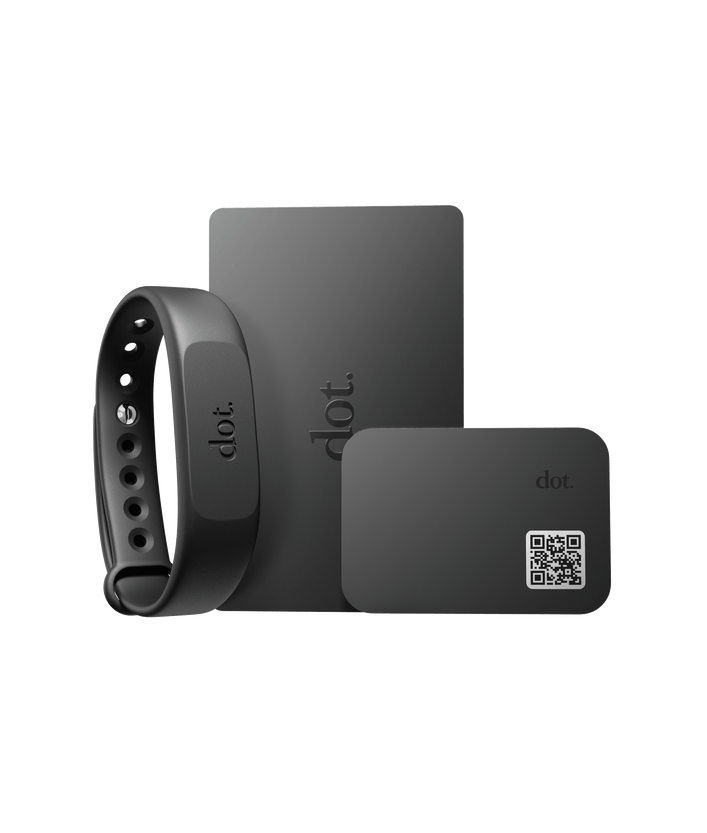
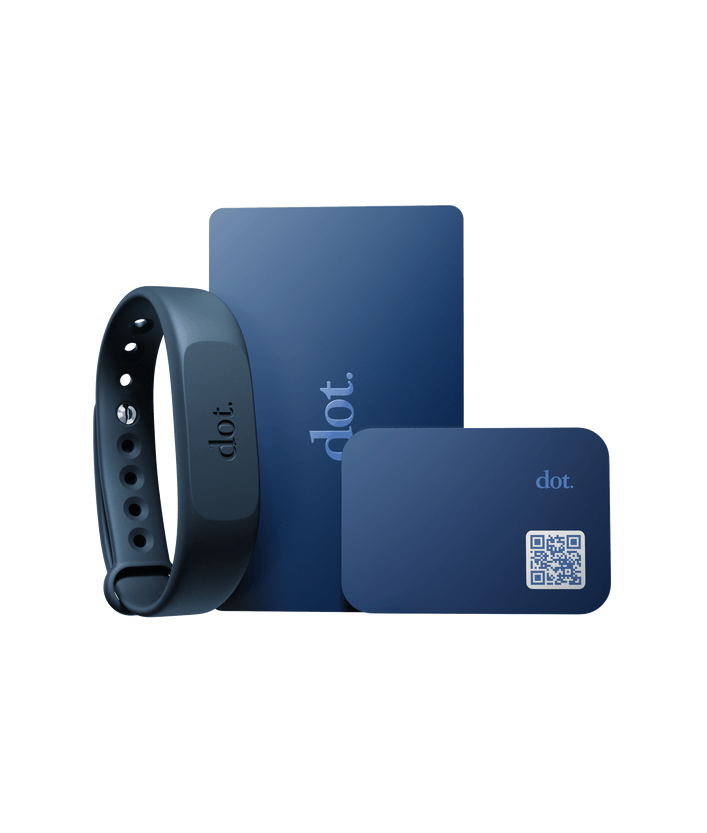
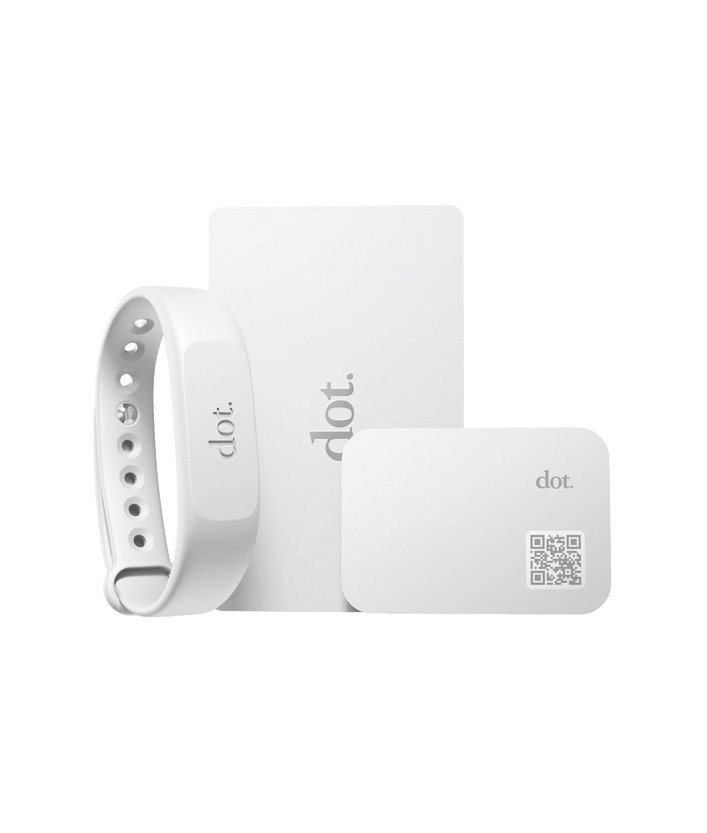
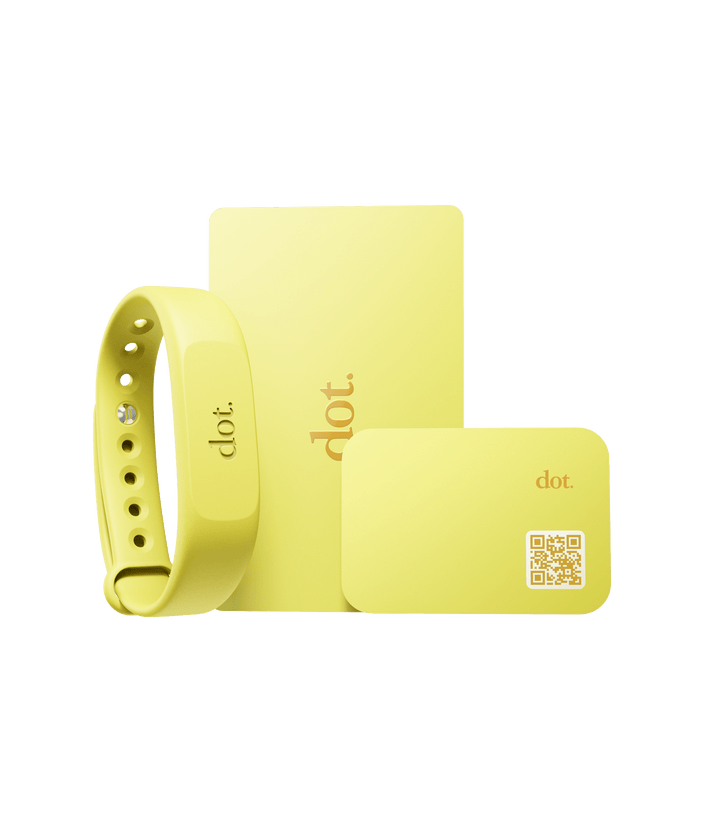
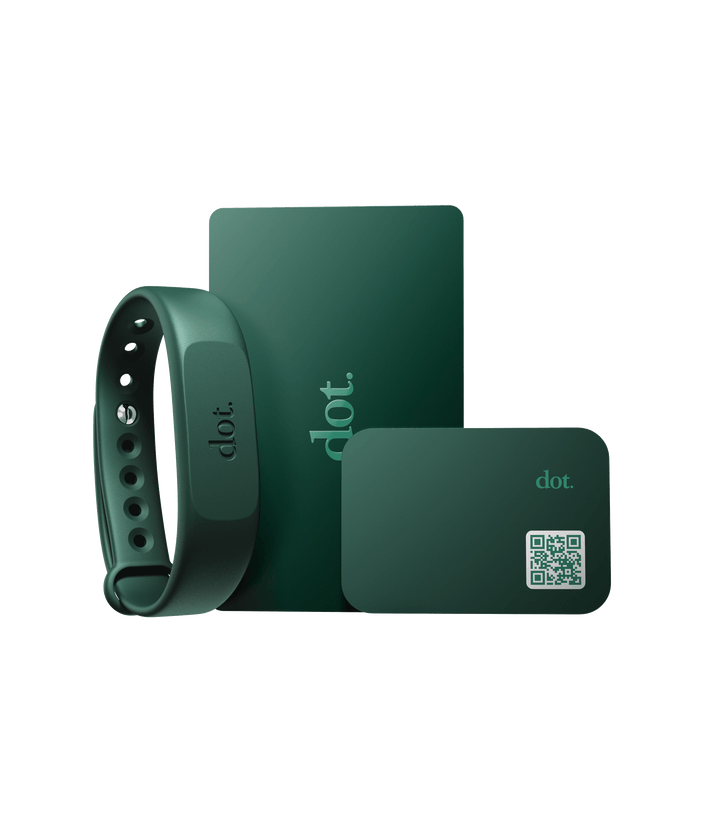
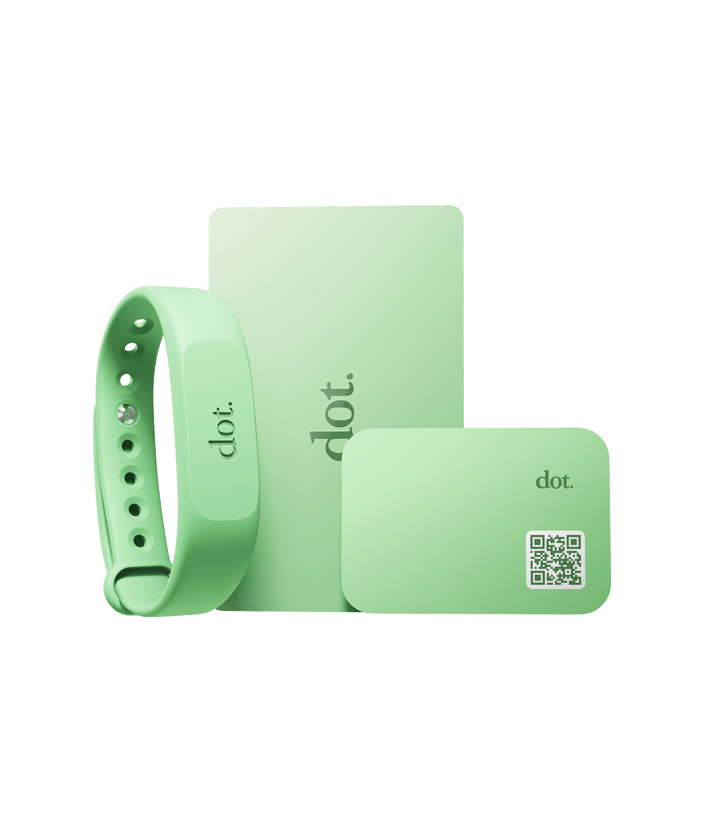
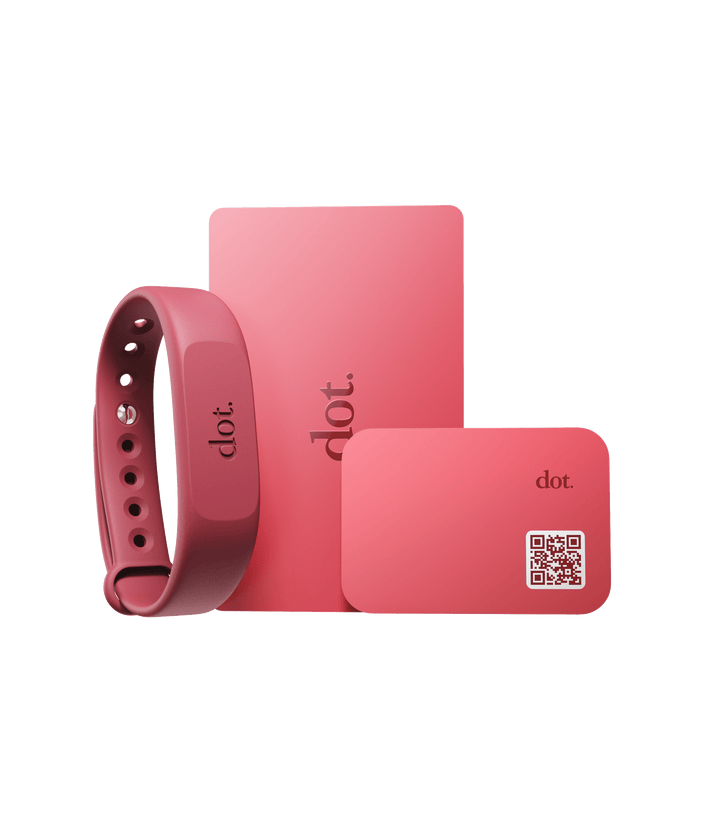
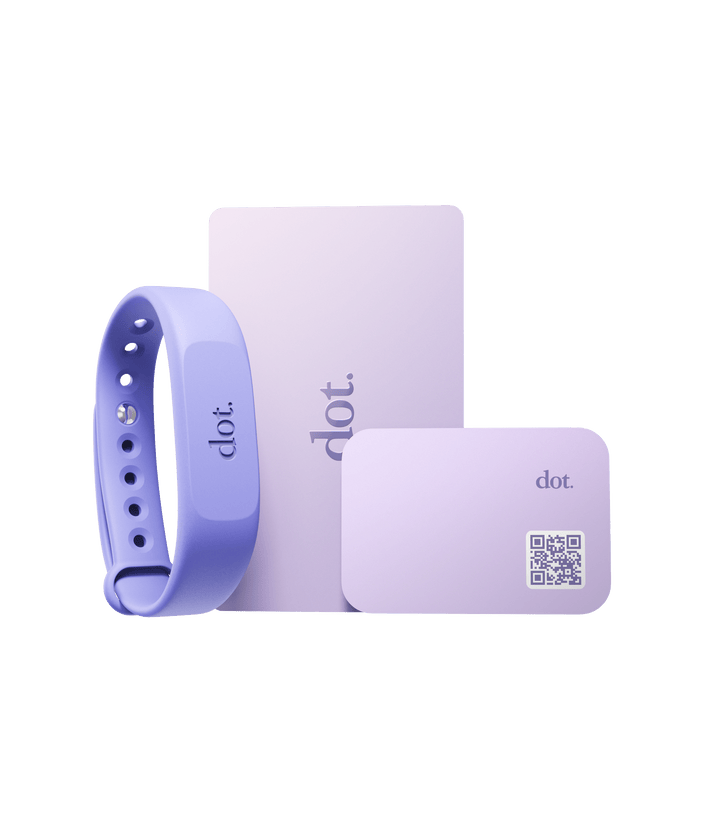
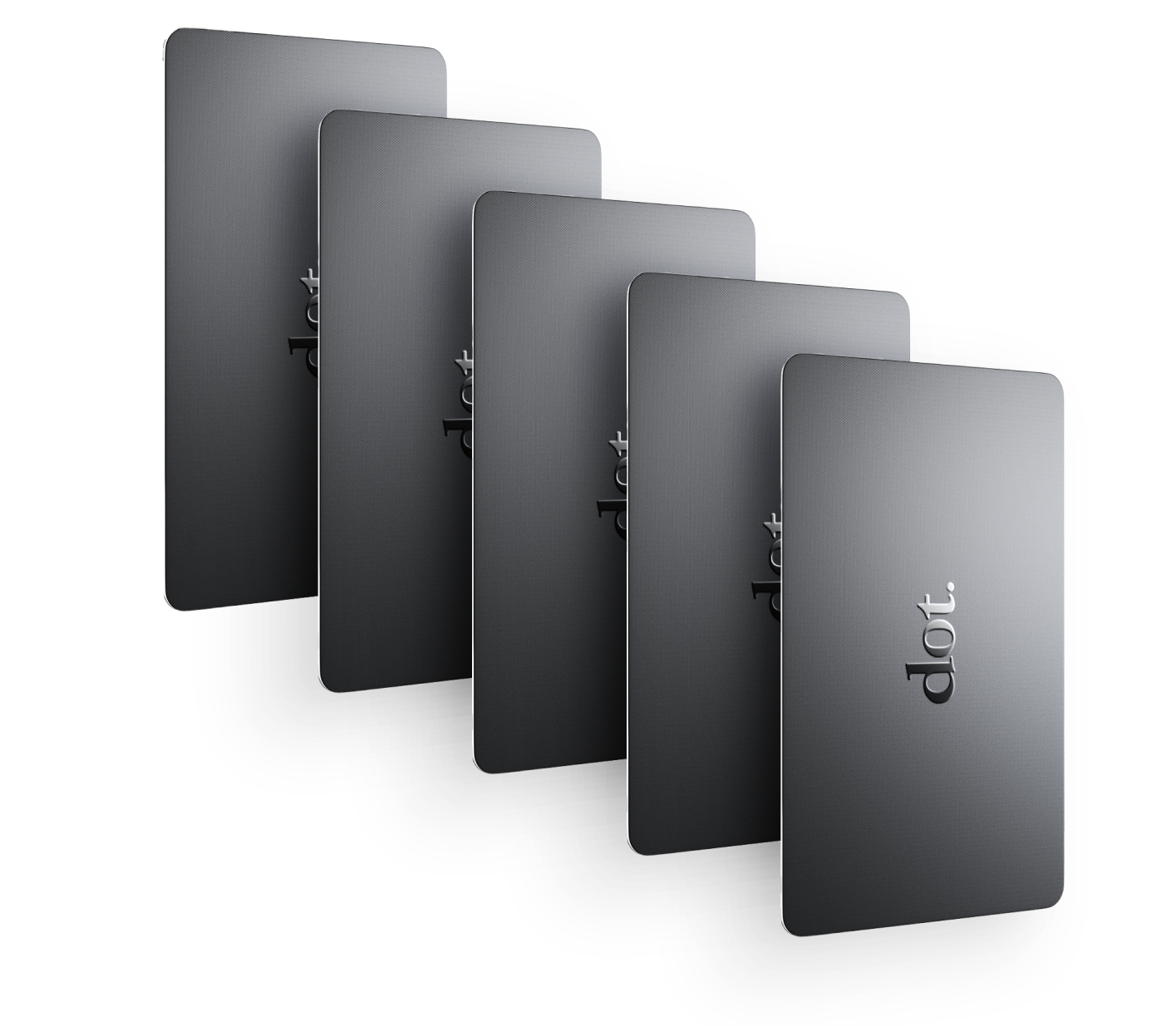
Yes. dot.cards offers both physical NFC devices (such as cards and wearables) and a
Once you understand what digital business cards are, choosing the right one comes down to fit, not hype.
Focus on:
-
How you network
-
How you prefer to share
-
How easy it is for others to follow up
-
How simple it is to keep your information current
When those align, your digital business card becomes a tool you actually use — not just something you set up once and forget.