








Conferences and trade shows are designed for rapid connection. Conversations are short, environments are loud, and attention shifts quickly. In that setting, exchanging contact information shouldn’t slow things down—or feel awkward.
Digital business cards help professionals share information smoothly, even in high-traffic environments. When used well, they remove friction instead of adding it. This guide explains how to use digital business cards at conferences and trade shows in a way that feels natural, professional, and efficient.
Why Conferences Expose the Limits of Paper Business Cards
Paper cards still show up at events, but conferences highlight their weaknesses:
-
People collect many cards and forget who’s who
-
Cards get lost in bags or tossed after the event
-
Contact details require manual saving
-
No clear path to follow up beyond an email address
At scale, paper cards create friction for both sides. Digital business cards are better suited to environments where speed and clarity matter.
What Makes Digital Business Cards Effective at Events
At conferences and trade shows, digital business cards work best when they:
-
Share information in one step
-
Don’t interrupt the conversation
-
Give the recipient a clear next action
-
Work even when you’re busy or moving
The goal isn’t to replace conversation—it’s to support it without breaking the flow.
Choose the Right Sharing Method for the Moment
Not every interaction at an event is the same. The most effective setup allows you to adapt quickly.
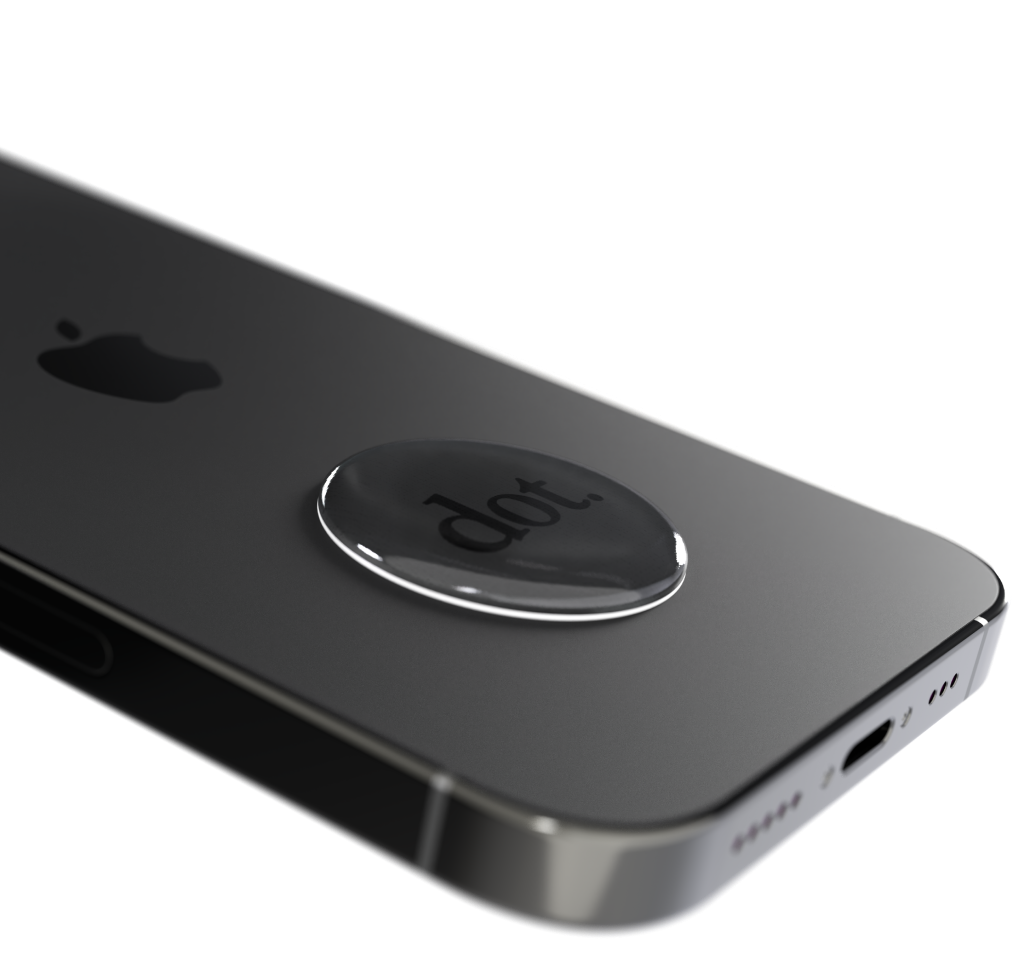
NFC (Tap to Share)
Best for one-on-one conversations.
Why it works:
-
Fast and intuitive
-
Minimal explanation required
-
Easy to repeat during back-to-back conversations
Best use cases:
-
Networking between sessions
-
Booth conversations
-
Introductions during mixers
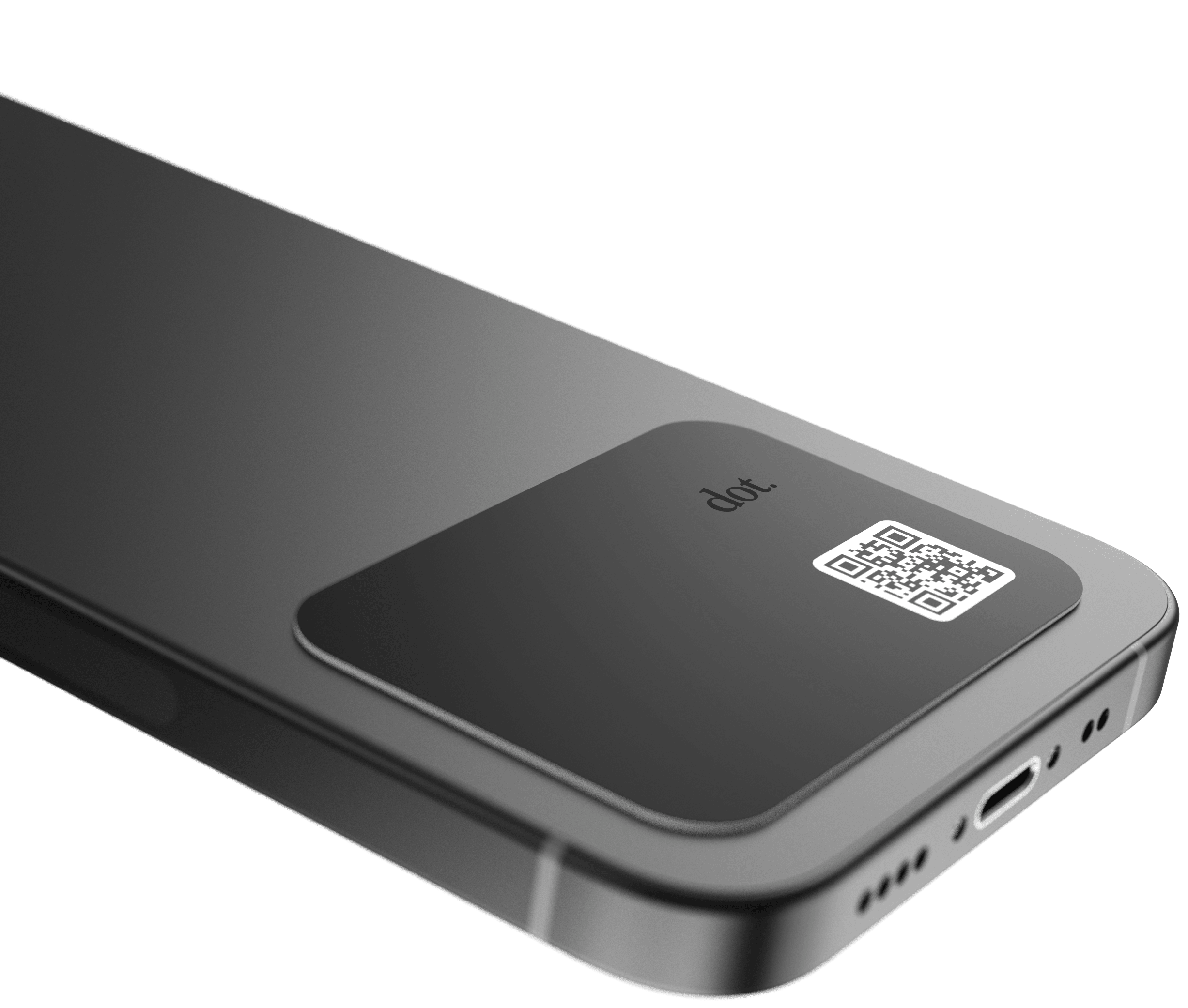
QR Codes
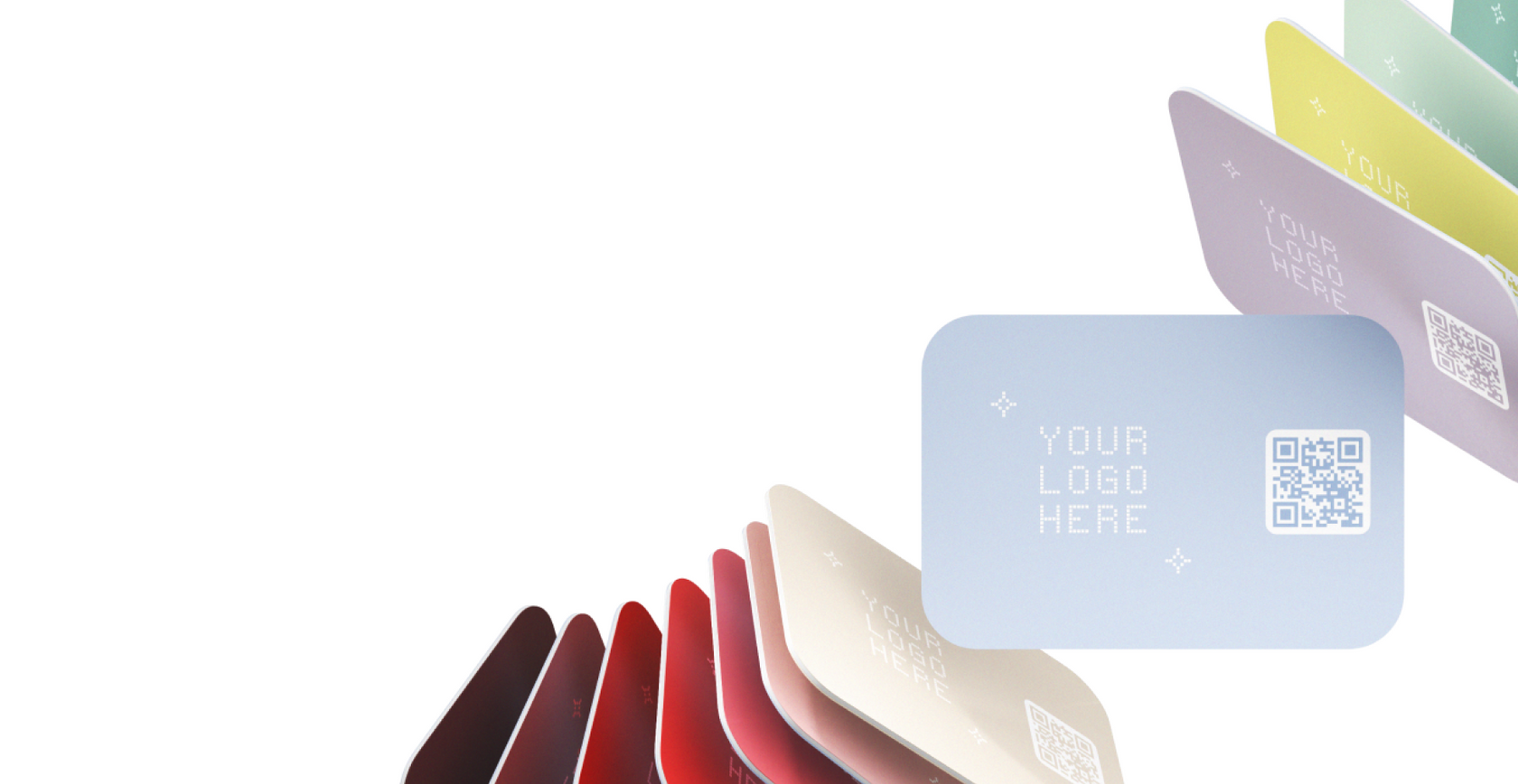
Best for passive or high-volume exposure.
Where they work well:
-
Booth signage
-
Table displays
-
Badges or lanyards
-
Presentation slides
QR codes allow people to access your information even when you’re mid-conversation or unavailable.
Shareable Links
Best for follow-up.
Use links for:
-
Post-event emails or messages
-
LinkedIn follow-ups
-
Connecting with people you didn’t meet in person
Practical rule:
At events, the most flexible approach is NFC for conversations, QR codes for visibility, and links for follow-up.
How to Share Without Fumbling for Your Phone
Awkwardness usually comes from hesitation, not the tool itself. A little preparation goes a long way.
Set up before the event
-
Make sure your profile is complete and current
-
Decide what the primary action should be (save contact, LinkedIn, website)
-
Test your sharing method once before arriving
Let the moment guide the action
Instead of announcing the technology, keep it simple:
-
“Want to save my contact?”
-
“Here’s the easiest way to reach me.”
-
“This has my info if you want to follow up.”
Then share—tap, point to the QR code, or send the link.
Don’t over-explain
If someone wants details, they’ll ask. Most people just want a fast way to stay connected.
What to Include on a Conference-Ready Digital Business Card
Conference profiles work best when they’re focused and intentional.
Core information
-
Name
-
Role and company
-
Email and/or phone
High-value additions
-
LinkedIn profile
-
Company website or product page
-
Scheduling link (if relevant)
What to avoid
-
Too many links
-
Personal or irrelevant platforms
-
Long bios
The goal is to make follow-up easy, not to present everything at once.
Using Digital Business Cards at Booths and Trade Show Floors
For exhibitors, digital business cards can support both visibility and lead flow.
Effective placements include:
-
QR code at the booth entrance
-
QR code on demo screens
-
QR code on printed handouts
During conversations:
-
Share via NFC at the end of the discussion
-
Let attendees choose whether to save or explore further
This keeps the interaction natural and avoids forcing contact exchange.
How Digital Business Cards Improve Post-Event Follow-Up
Follow-up is where events deliver real value. Digital business cards help by:
-
Making it easier for people to remember who you are
-
Reducing errors from manual data entry
-
Creating a shared reference point after the event
-
Supporting faster, more personalized outreach
When someone already has your information saved, reaching out feels more natural on both sides.
Physical vs Software-Only Options for Events
Software-only profiles
Best for:
-
Attendees focused on sessions and meetings
-
Remote follow-up after the event
Pros:
-
No physical device needed
-
Easy to share links
Cons:
-
Slower for spontaneous in-person exchanges
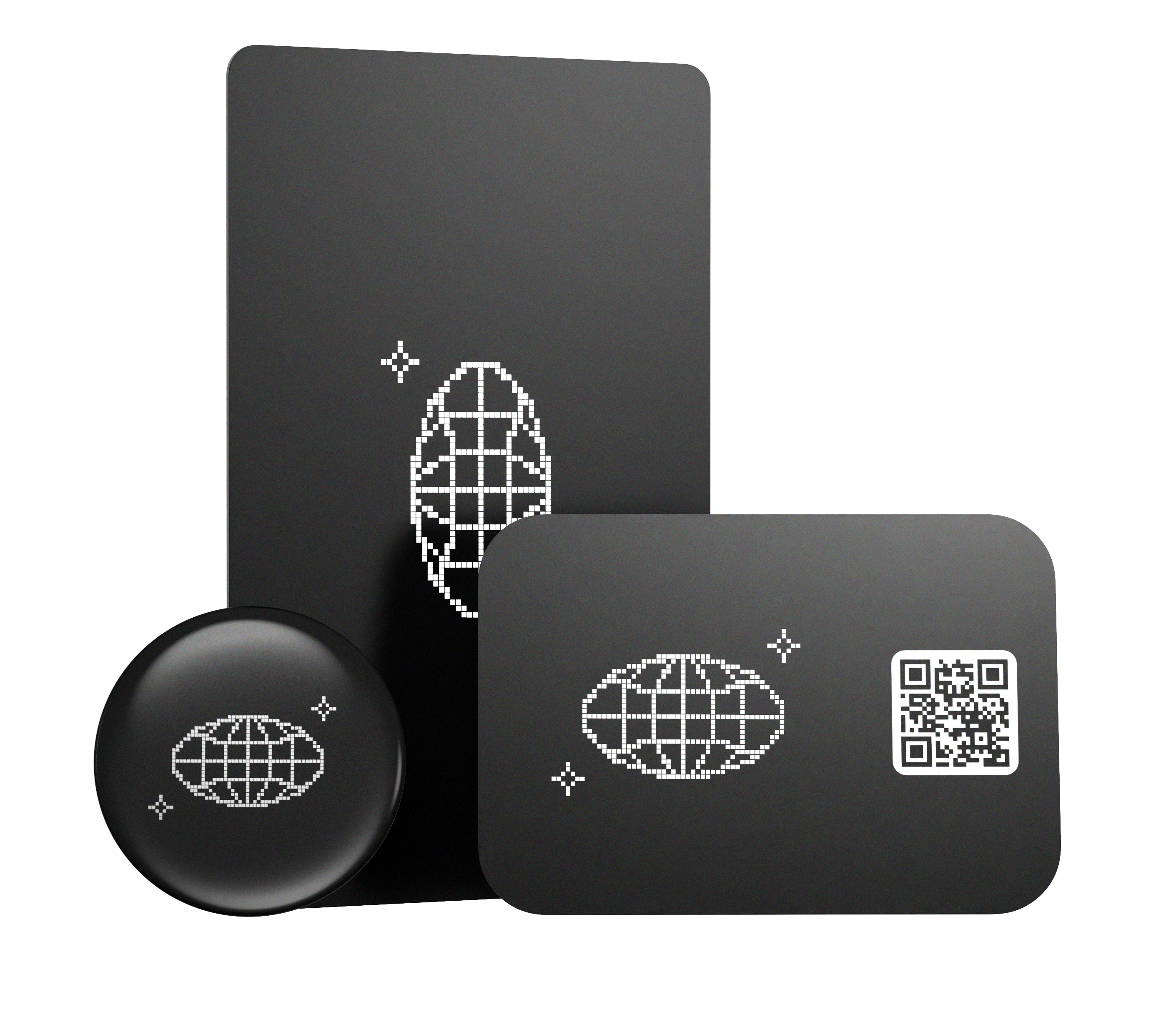
Physical NFC cards or devices
Best for:
-
Busy networking environments
-
Exhibitors and frequent attendees
Pros:
-
Fast and repeatable
-
Easy to use without unlocking your phone
Cons:
-
Works best with QR or link as a backup
Practical takeaway:
If you attend conferences regularly, a physical NFC option paired with a digital profile and QR/link fallback is often the most reliable setup.
Common Questions
Do people need an app to view my digital business card?
Most digital business cards open a web-based profile, so recipients can view your information directly in their browser.
What if someone’s phone doesn’t support NFC?
That’s why having a QR code or shareable link as a backup is important.
Does dot.cards work for conferences and trade shows?
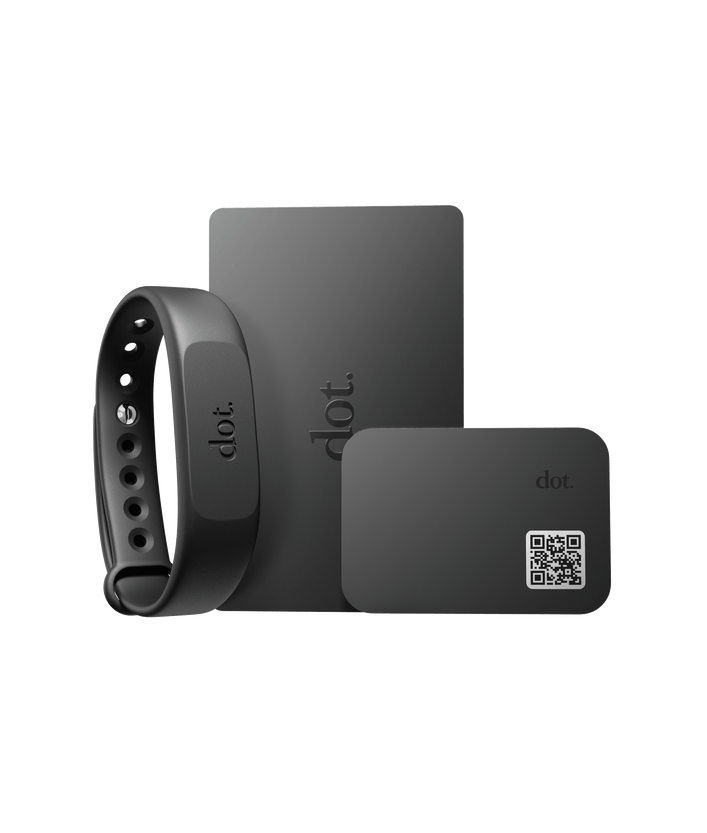
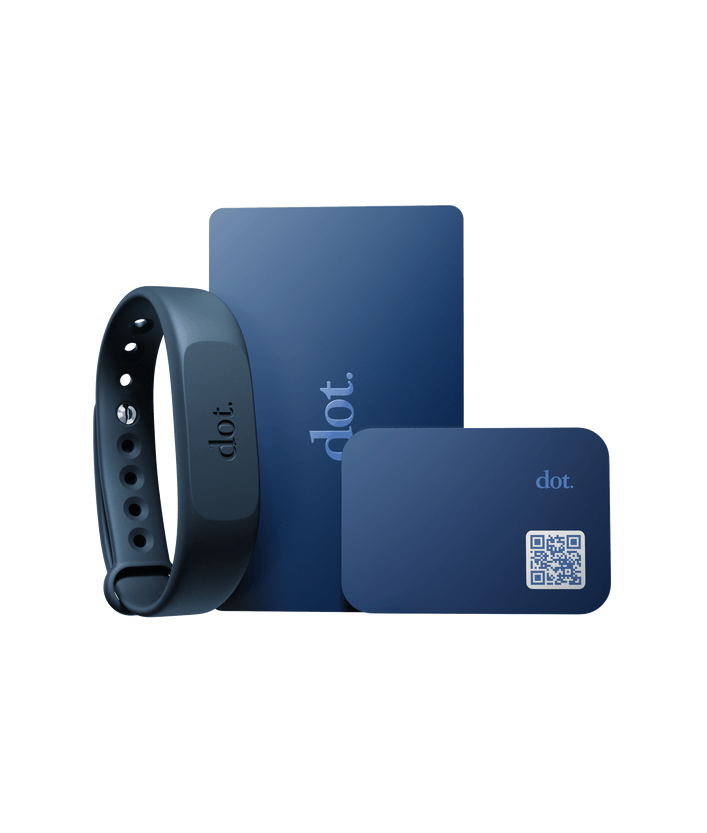
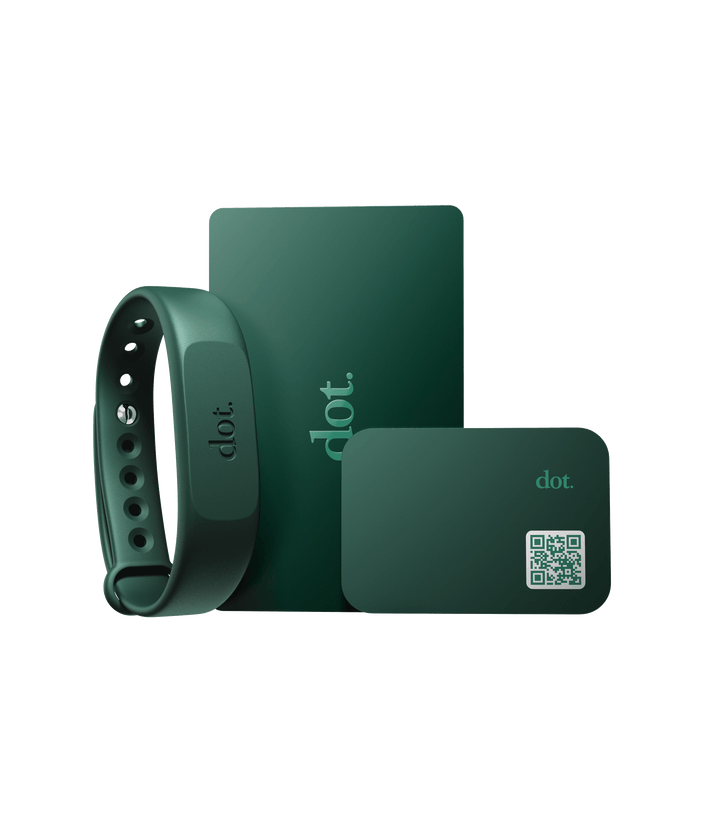
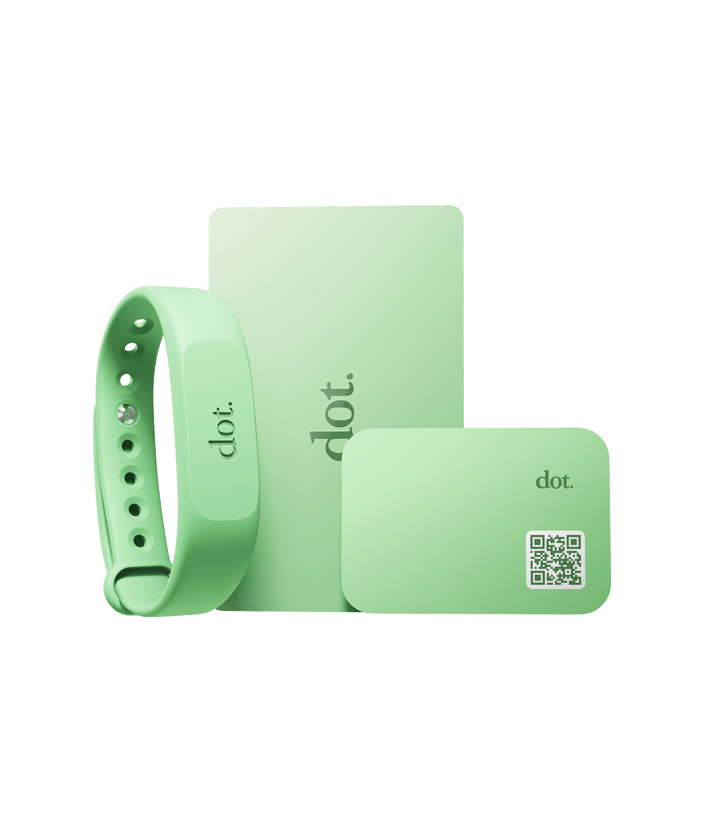
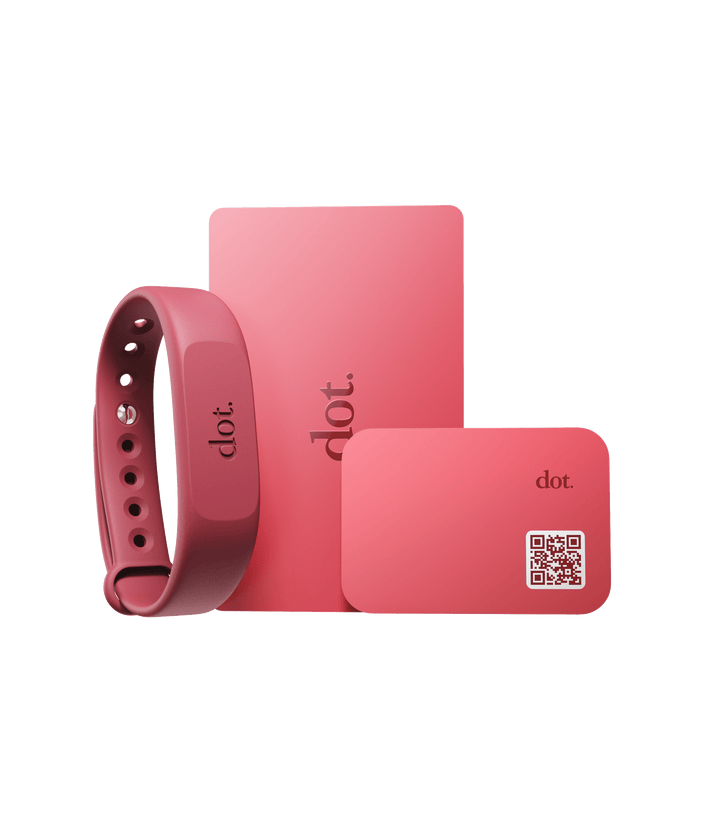
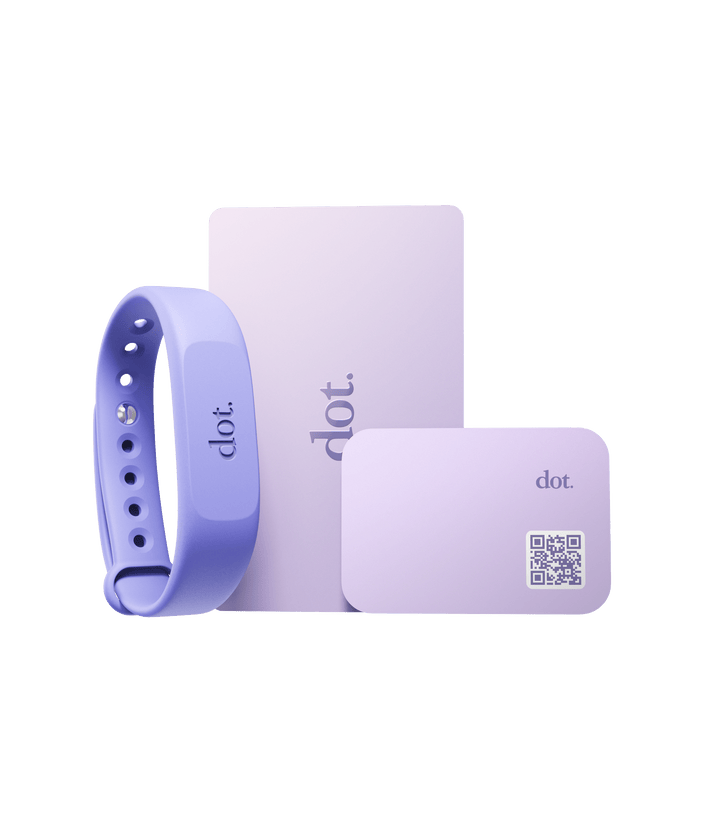
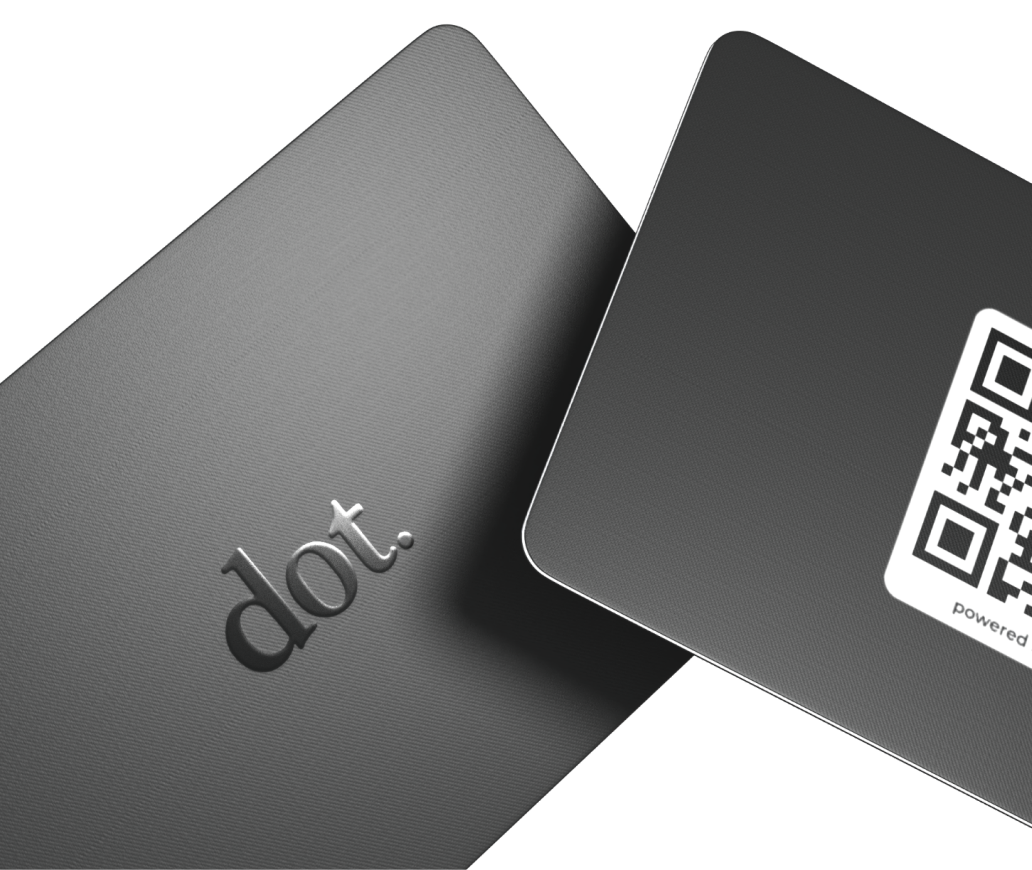
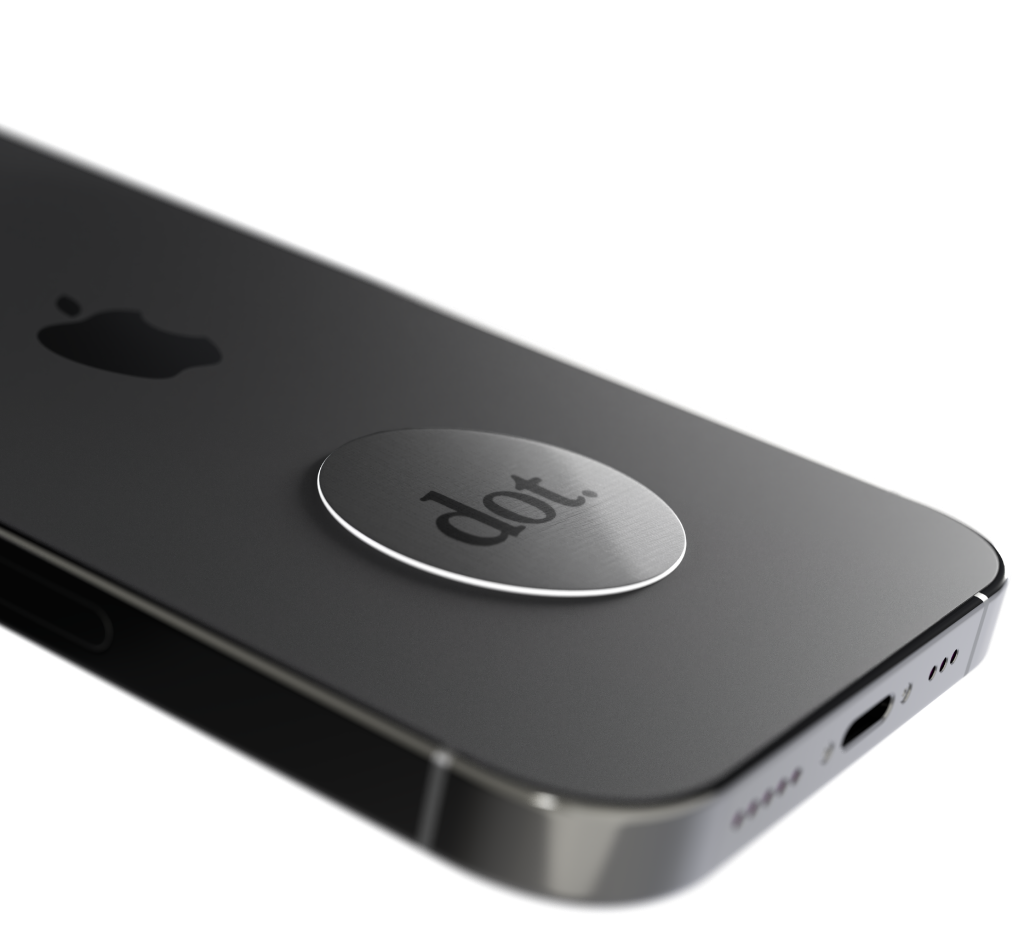
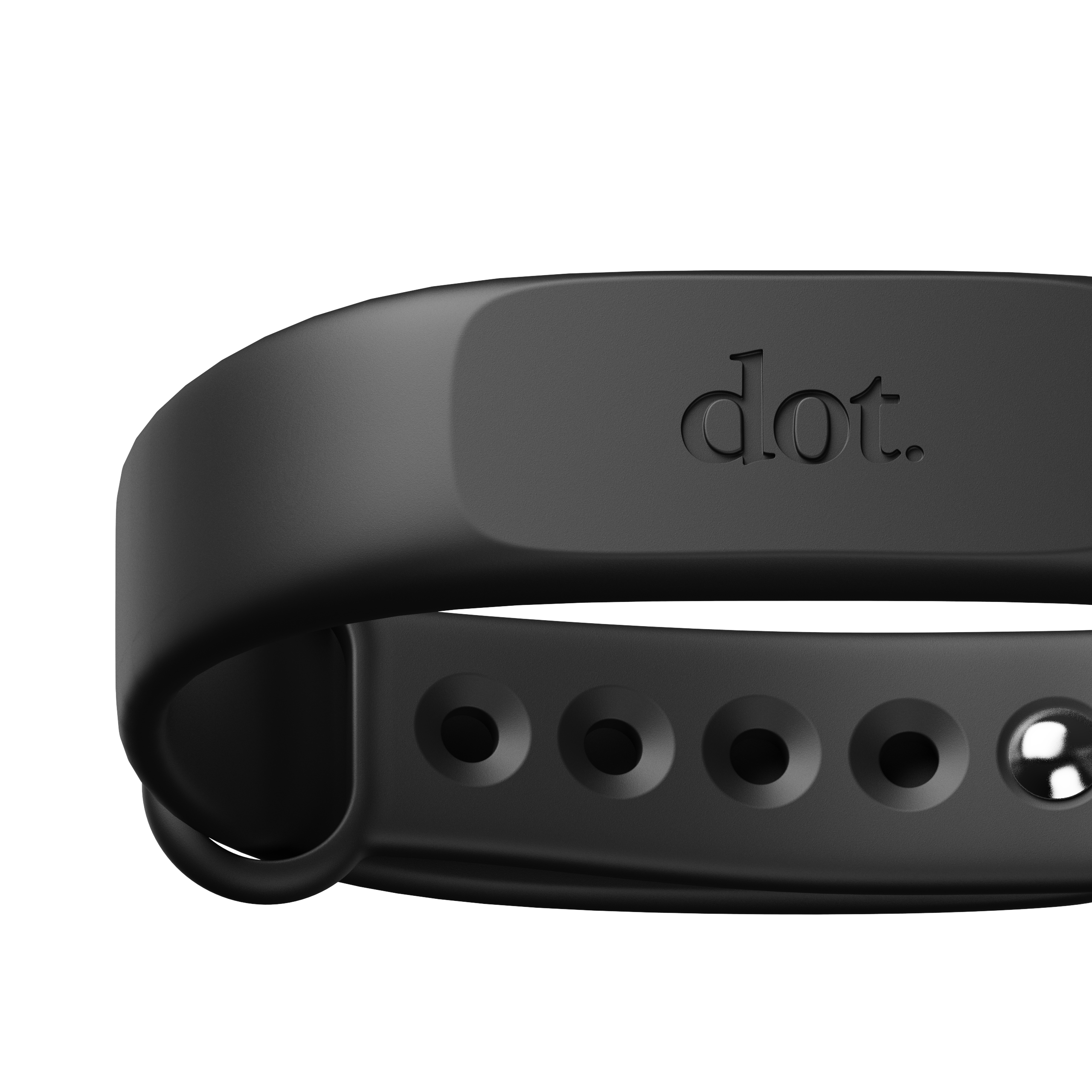
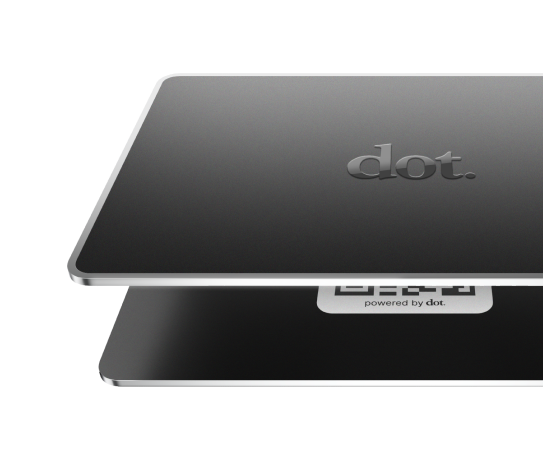
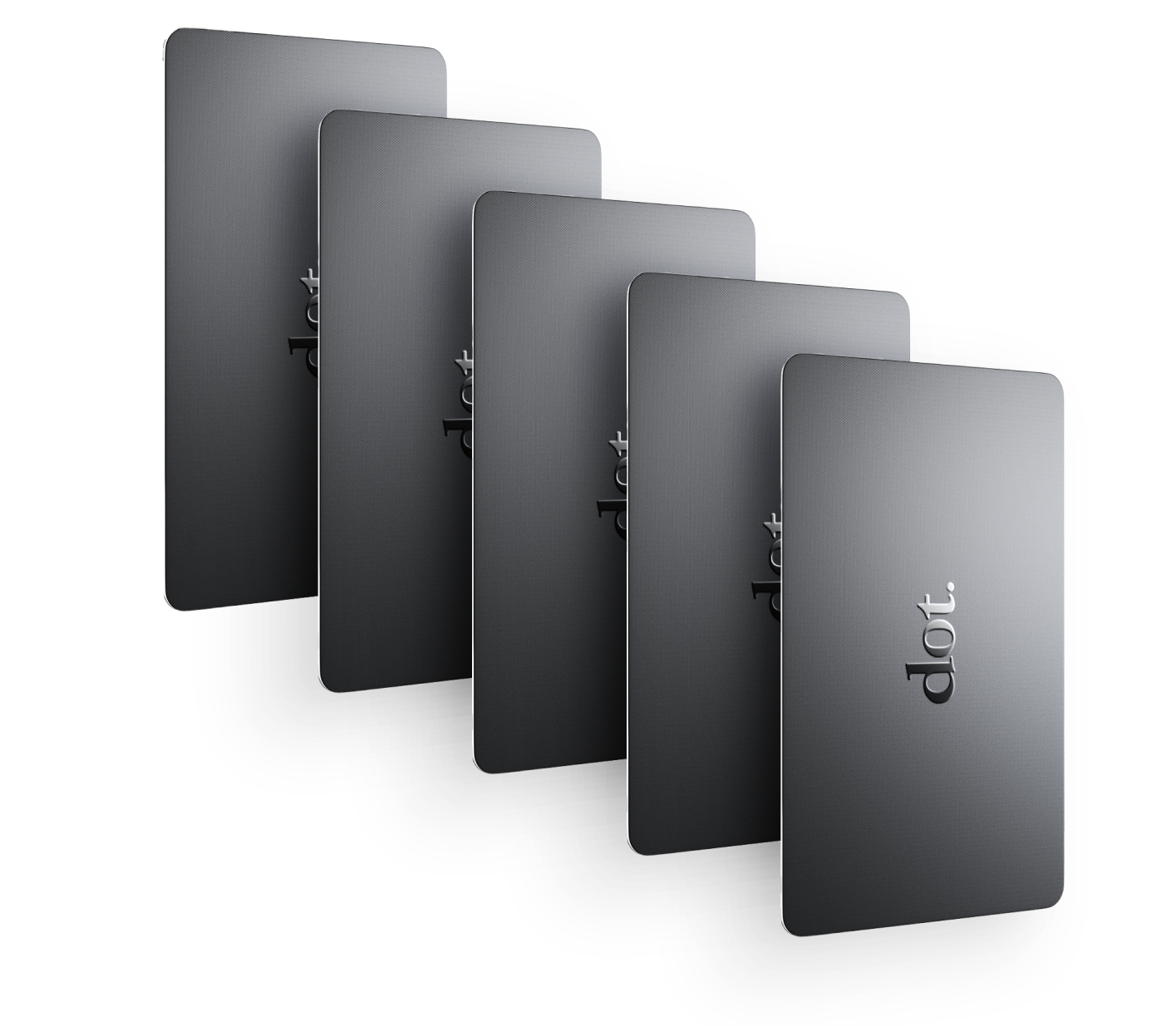
Yes. dot.cards supports both physical NFC devices and a software-based digital profile, allowing professionals to share the same profile via tap, QR code, or link depending on the situation. Updates apply everywhere without reprinting materials.
A Simple Event Strategy That Works
Before the event:
-
Set up your profile
-
Decide your primary follow-up action
During the event:
-
Use NFC for conversations
-
Use QR codes for visibility
After the event:
-
Use links for follow-up messages
This keeps sharing consistent and removes friction at every stage.