








Open houses and showings move fast. Conversations are short, attention is split, and most visitors meet multiple agents in the same day. In that environment, the challenge isn’t introducing yourself—it’s being the agent they remember and follow up with.
Digital business cards help real estate agents capture interest in the moment and turn brief interactions into saved contacts, follow-ups, and future clients. This guide explains how to use them effectively during open houses and showings, without disrupting your workflow or relying on gimmicks.
Why Paper Business Cards Fall Short at Open Houses
Paper cards have been a standard in real estate for decades, but open houses expose their limitations.
Common issues include:
- Visitors collect multiple cards and forget who’s who
- Cards get lost or tossed after leaving
- Contact details require manual saving
- No easy path to listings, social profiles, or follow-up actions
At open houses, where dozens of quick interactions happen back-to-back, friction matters. Digital business cards reduce that friction.
How Digital Business Cards Work in Real Estate Settings
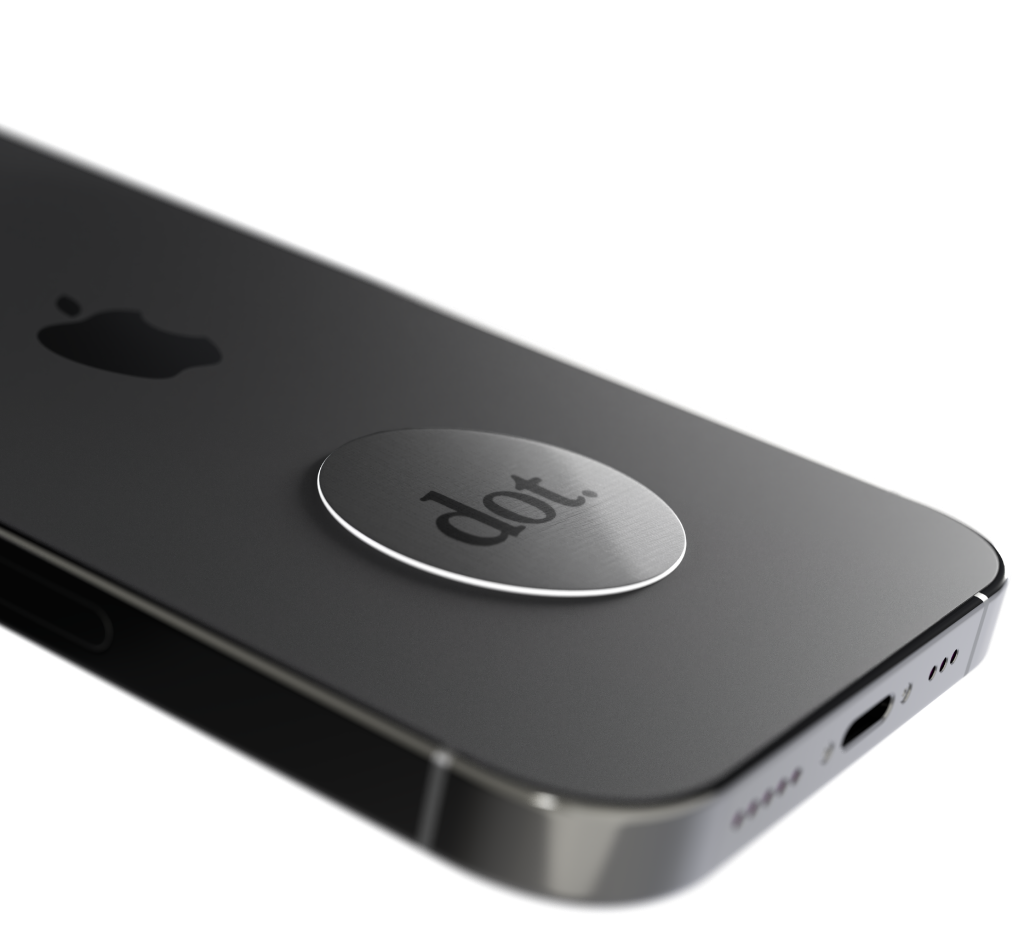
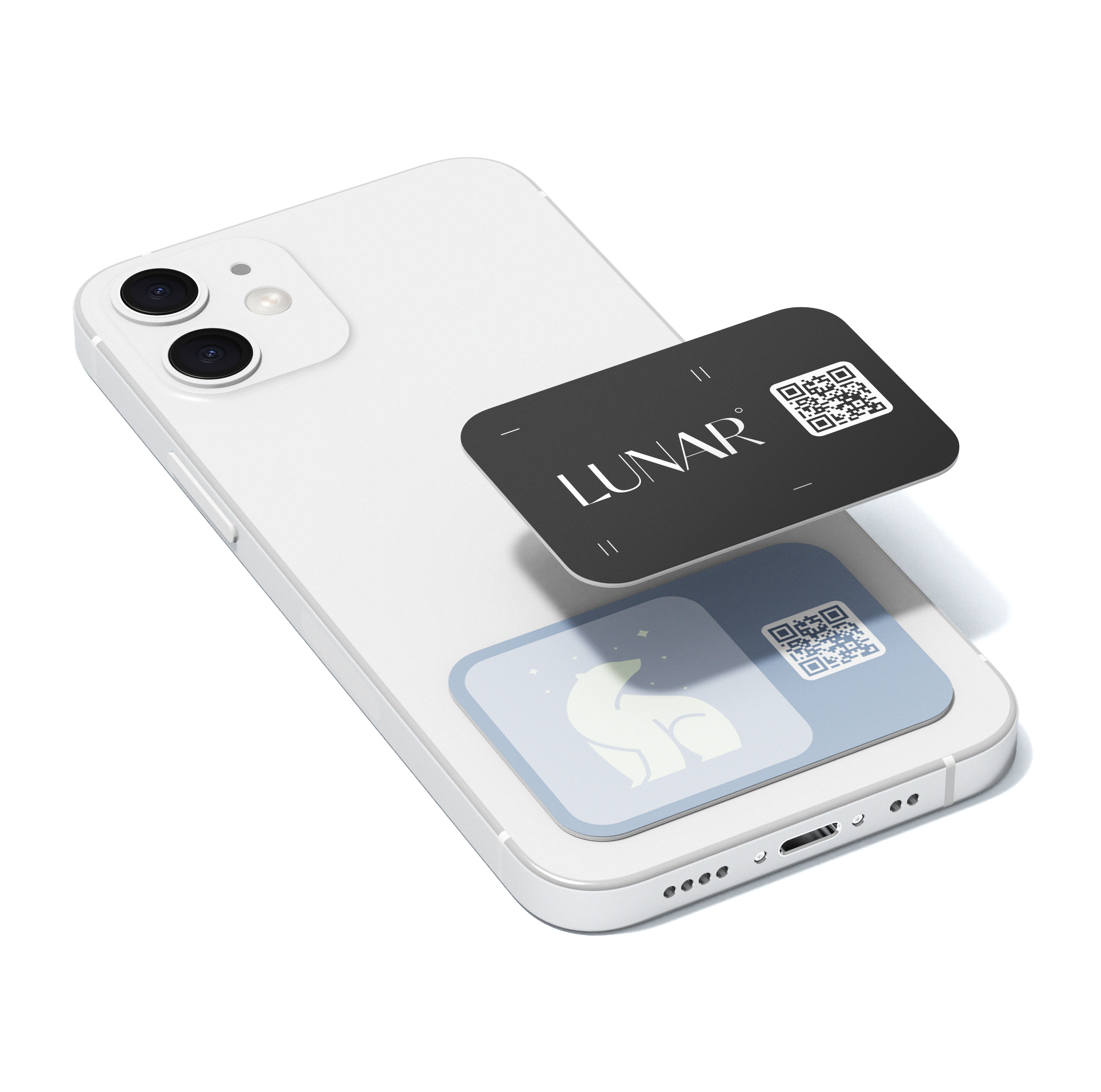
A digital business card typically links to a profile that includes your contact information, listings, and next-step actions. It can be shared via:
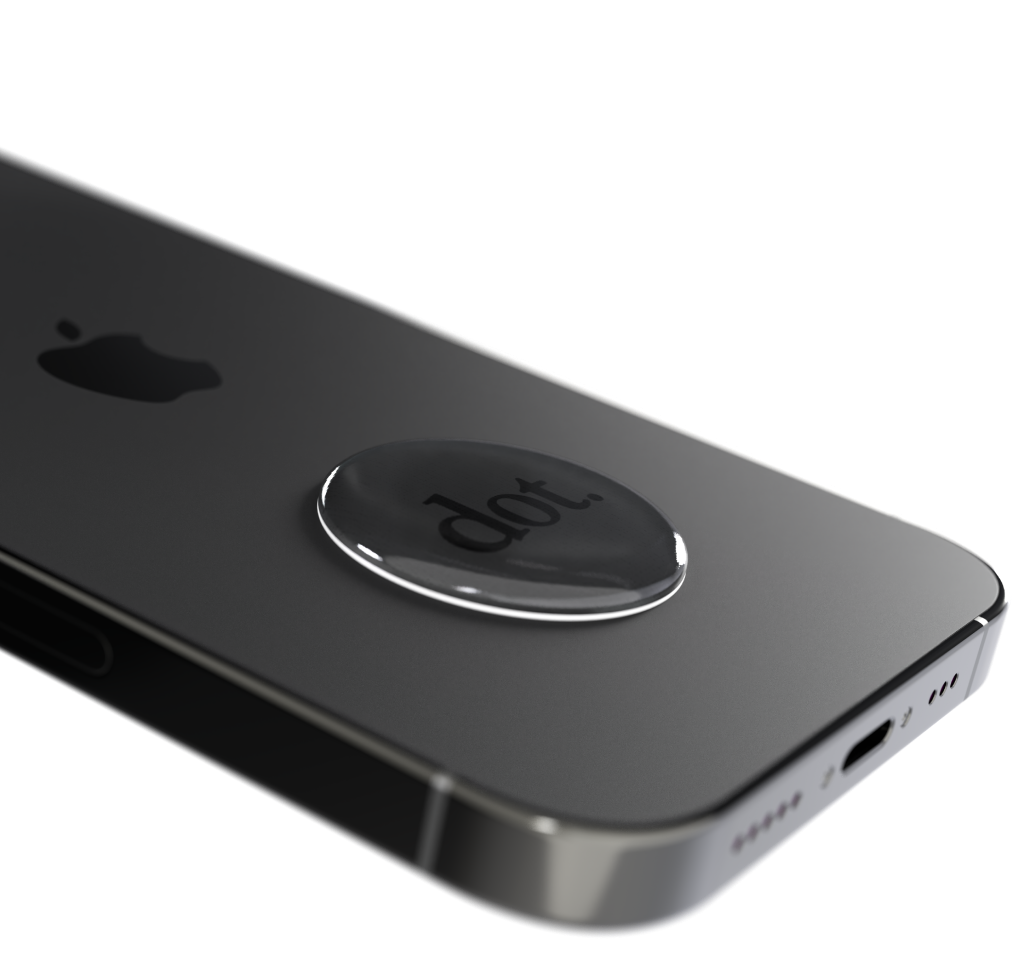
- NFC tap
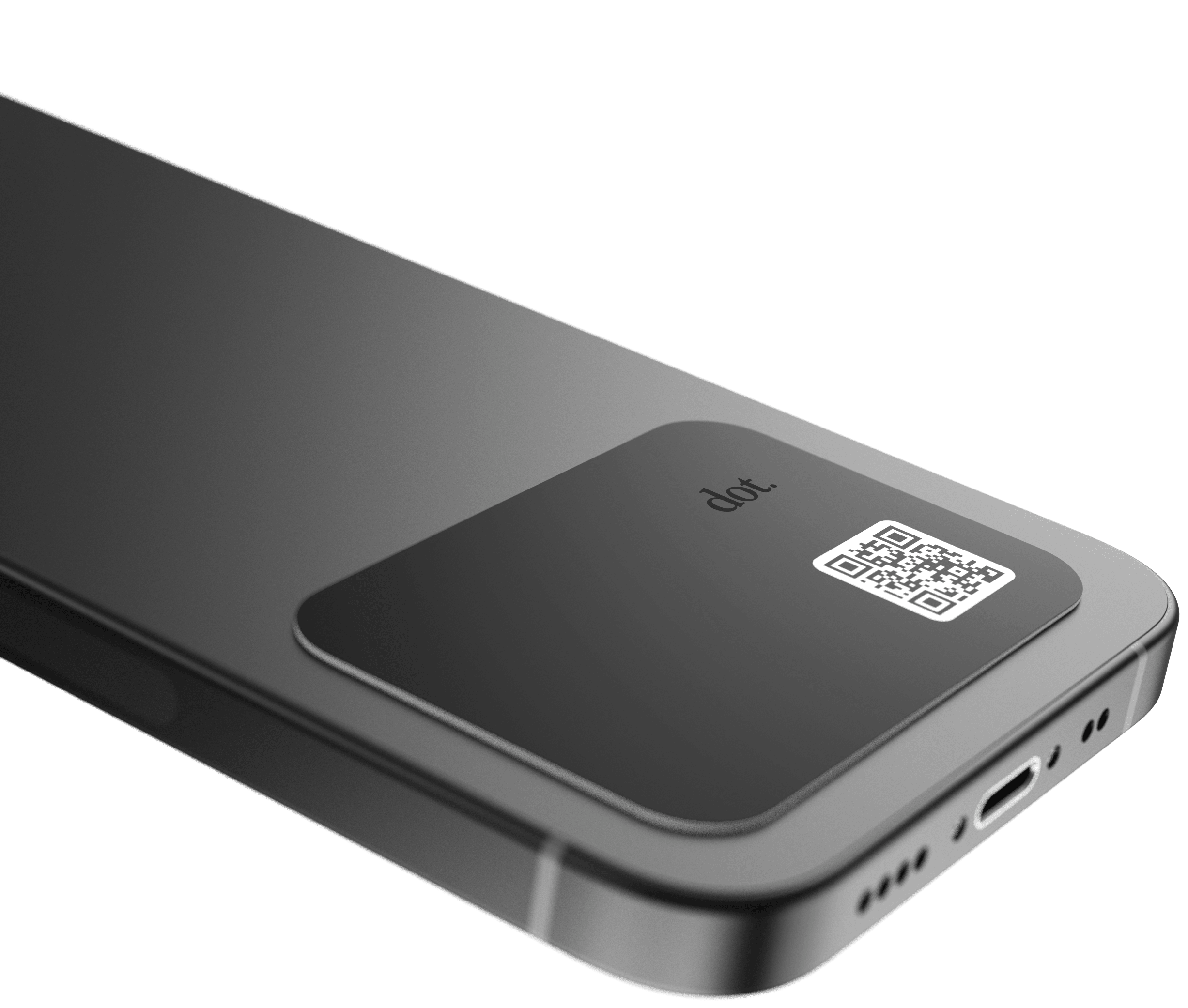
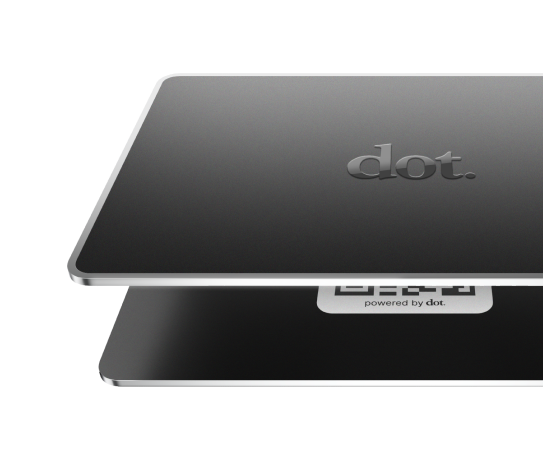
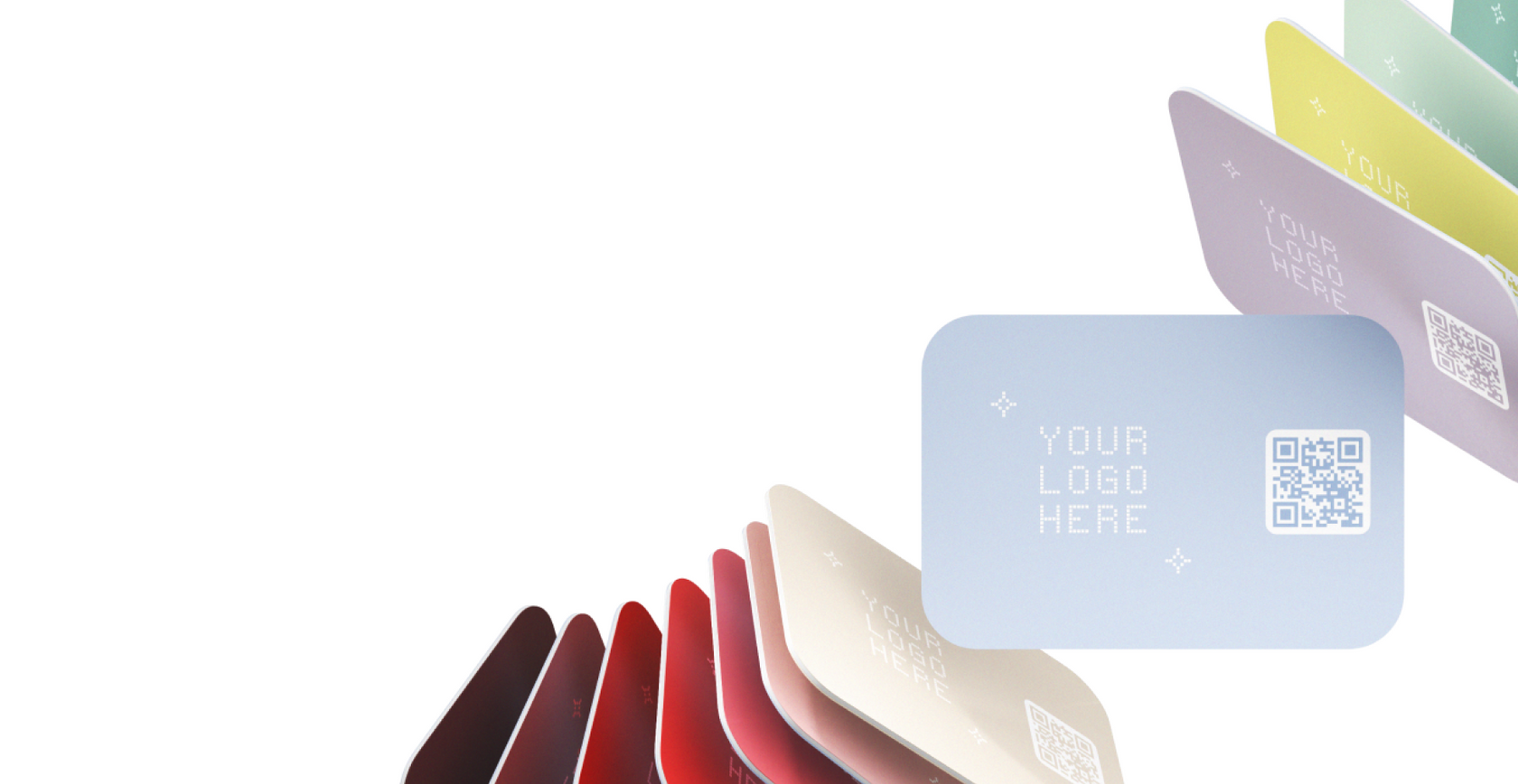
- QR code
- Shareable link
For real estate agents, this allows you to:
- Share your information instantly
- Give buyers and sellers a clear next step
- Stay connected even after a brief conversation
When to Use Digital Business Cards During an Open House
Digital business cards work best when used intentionally, not as a replacement for conversation.
During initial greetings
When welcoming guests, you can:
- Share your digital card at the end of the introduction
- Let visitors save your contact immediately
- Avoid interrupting the flow of the showing
This works especially well when conversations are short and informal.
During deeper conversations
If someone asks questions about pricing, neighborhood trends, or next steps:
- Share your digital card after answering
- Point them to listings, your website, or a contact form
- Make it easy to follow up later without pressure
At the end of the visit
As guests leave, digital business cards provide a clean close:
- “Feel free to save my contact or check out other listings here.”
- No need to exchange physical cards or write things down
Best Sharing Methods for Open Houses and Showings
NFC (Tap to Share)
Best for one-on-one interactions.
Why it works:
- Fast and natural
- Minimal effort for visitors
- Easy to repeat throughout the event
Ideal for agents who greet guests individually or walk them through the property.
QR Codes
Best for passive sharing.
Common placements:
- Sign-in table
- Property flyers
- Entryway signage
- Open house packets
QR codes allow visitors to access your information even if you’re busy.
Shareable Links
Best for follow-ups.
Use links when:
- Sending post-open-house follow-up messages
- Sharing additional listings
- Continuing conversations after the event
Practical rule:
Most agents benefit from using NFC for conversations, QR codes for visibility, and links for follow-up.
What Real Estate Agents Should Include on a Digital Business Card
A real estate digital business card should focus on clarity and trust, not volume.
Core information
- Name
- Brokerage
- Phone number
High-value additions
- Website or listings page
- Scheduling link for consultations
- Market reports or buyer/seller guides
- Social profiles (if used professionally)
What to avoid
- Too many links
- Irrelevant platforms
- Overly long descriptions
The goal is to make it easy for someone to contact you or explore your listings—nothing more.
How Digital Business Cards Improve Follow-Up
Follow-up is where open houses succeed or fail.
Digital business cards help by:
- Making it easier for visitors to save your contact
- Reducing reliance on handwritten sign-in sheets
- Creating a consistent reference point after the event
- Supporting faster, more personal follow-up messages
When someone already has your information saved, outreach feels more natural and less intrusive.
Using Digital Business Cards Alongside Sign-In Sheets
Digital business cards don’t replace sign-in sheets—they complement them.
A common approach:
- Use a sign-in sheet or digital form for lead capture
- Use a digital business card to give visitors your information
- Reinforce the connection on both sides
This creates a two-way exchange instead of a one-sided data collection.
Physical vs Software-Only Options for Agents
Software-only profiles
Best for:
- Follow-up emails and texts
- Sharing listings remotely
Pros:
- No physical device required
- Easy to send links
Cons:
- Less visible during in-person events
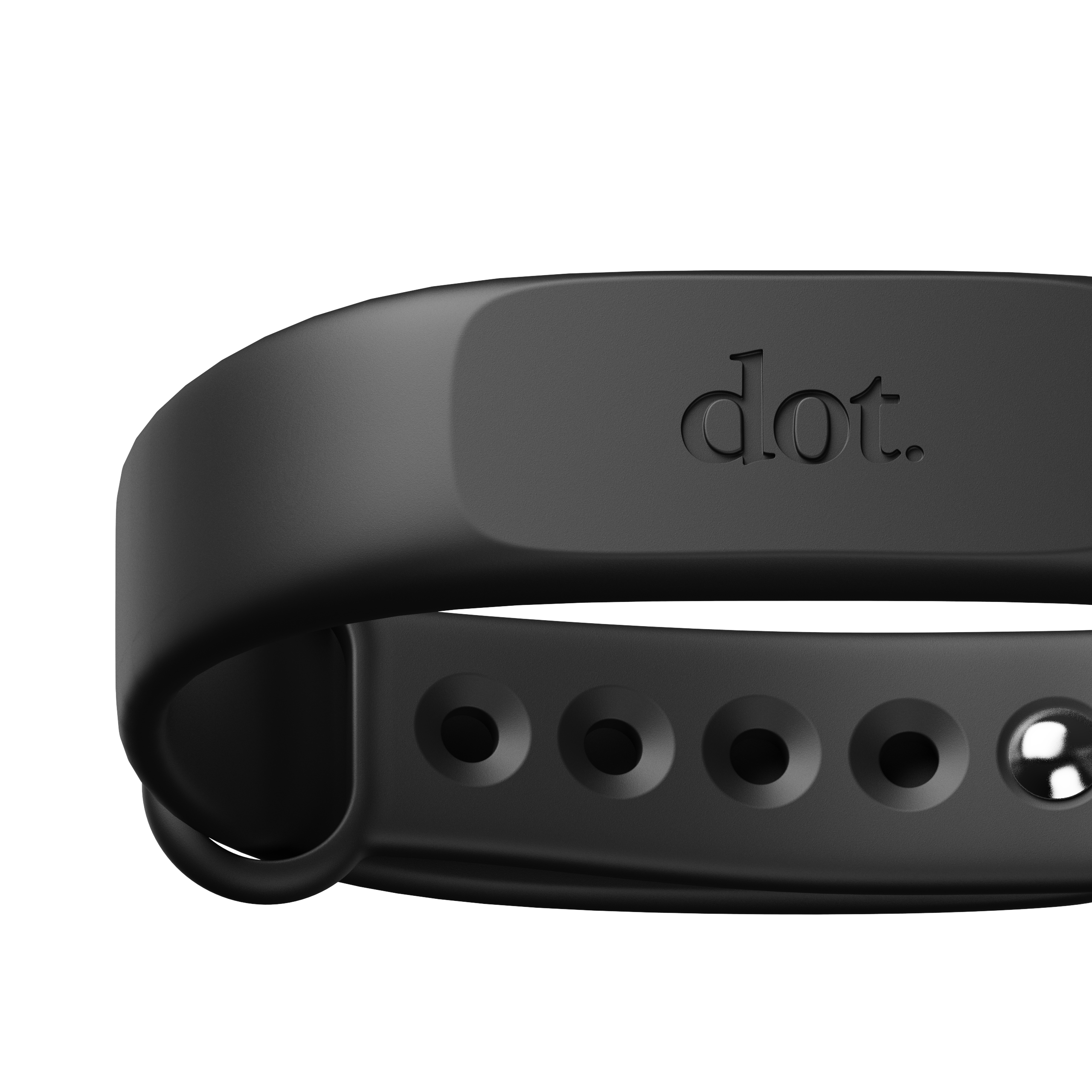
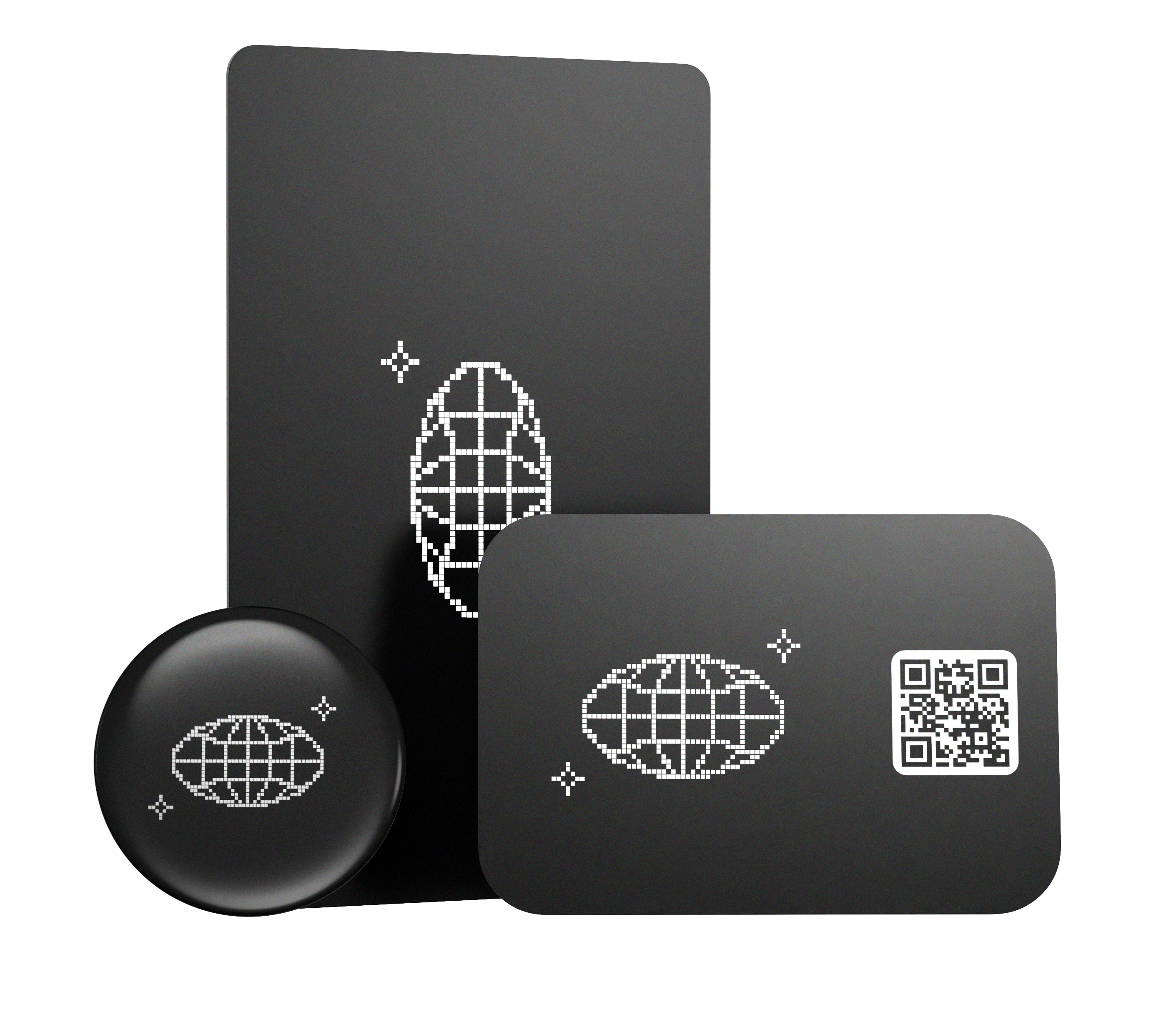
Physical NFC cards or devices
Best for:
- Open houses
- Showings
- In-person introductions
Pros:
- Fast, repeatable sharing
- Professional and memorable
Cons:
- Works best with QR or link as a backup
Practical takeaway:
Agents who host open houses regularly benefit from physical NFC sharing paired with a digital profile and QR/link fallback.
Common Questions
Do visitors need an app to view my digital business card?
Most digital business cards open a web-based profile, so visitors can view your information directly in their browser.
Will this work for all phones?
QR codes and links work on nearly all smartphones. NFC compatibility varies by device, which is why having multiple sharing options is helpful.
Can I update my information between listings?
Yes, with most digital business cards you can update your profile anytime, so your contact details and links stay current across all properties.
Does dot.cards work for real estate agents?
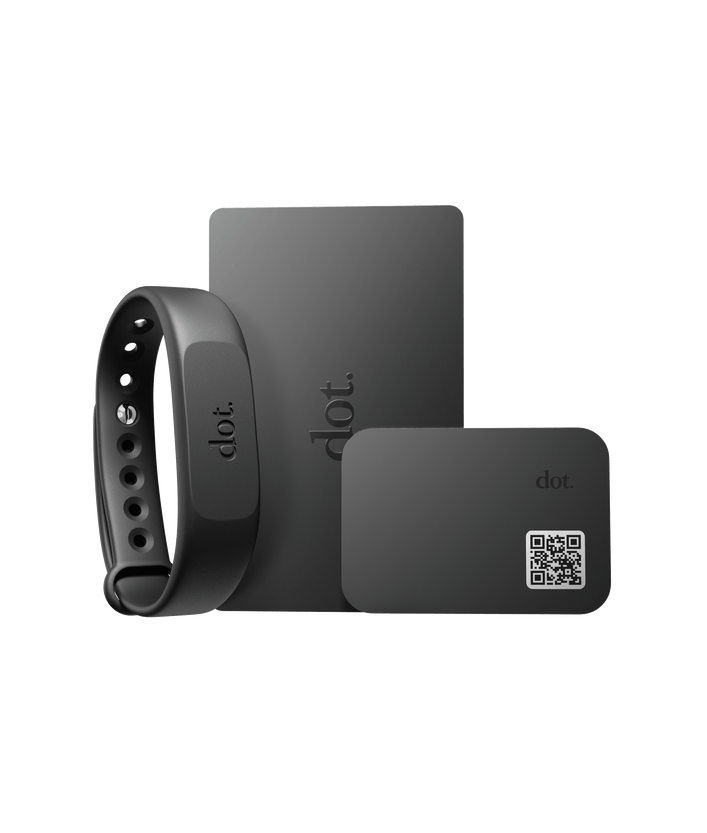
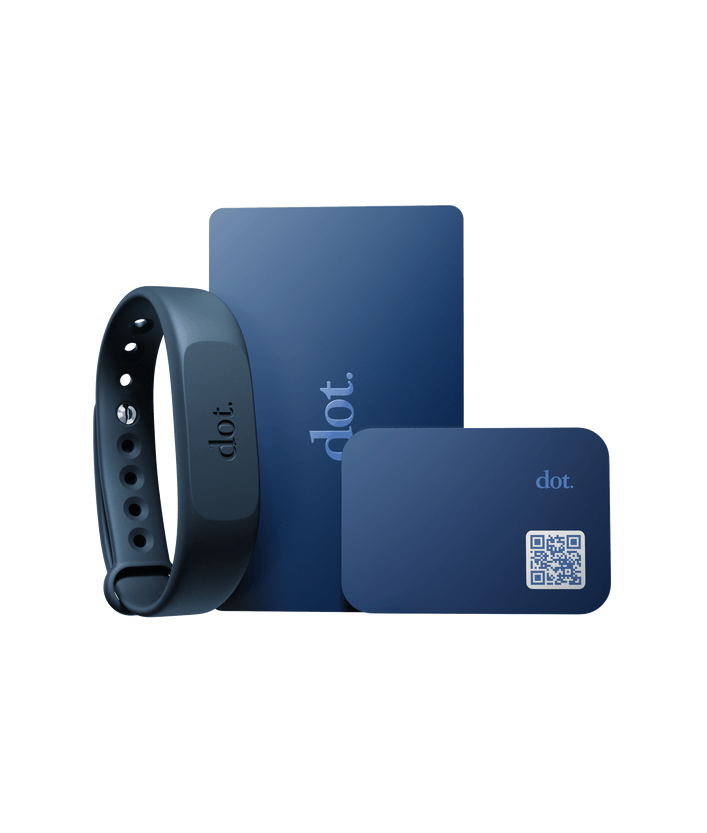
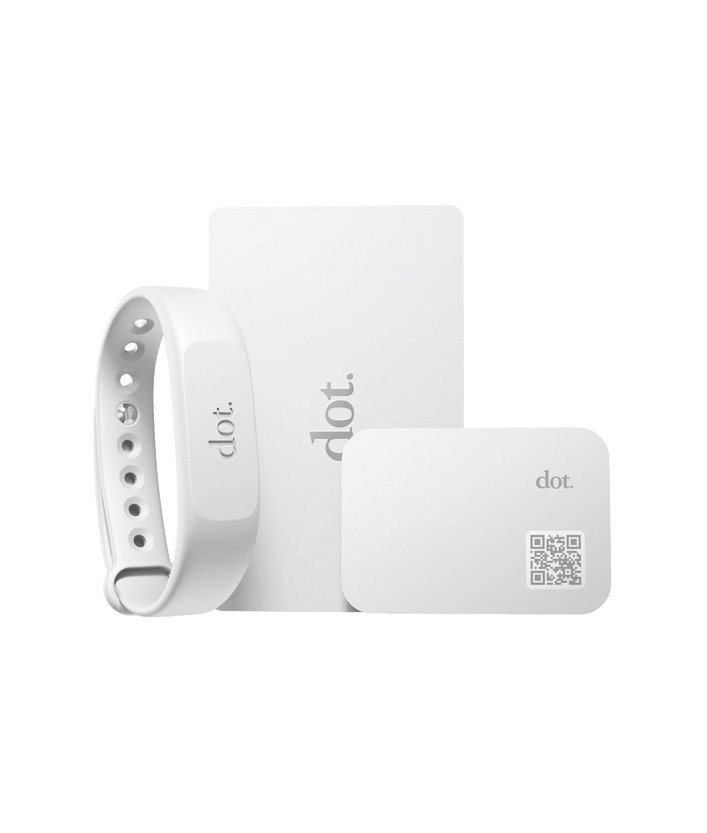
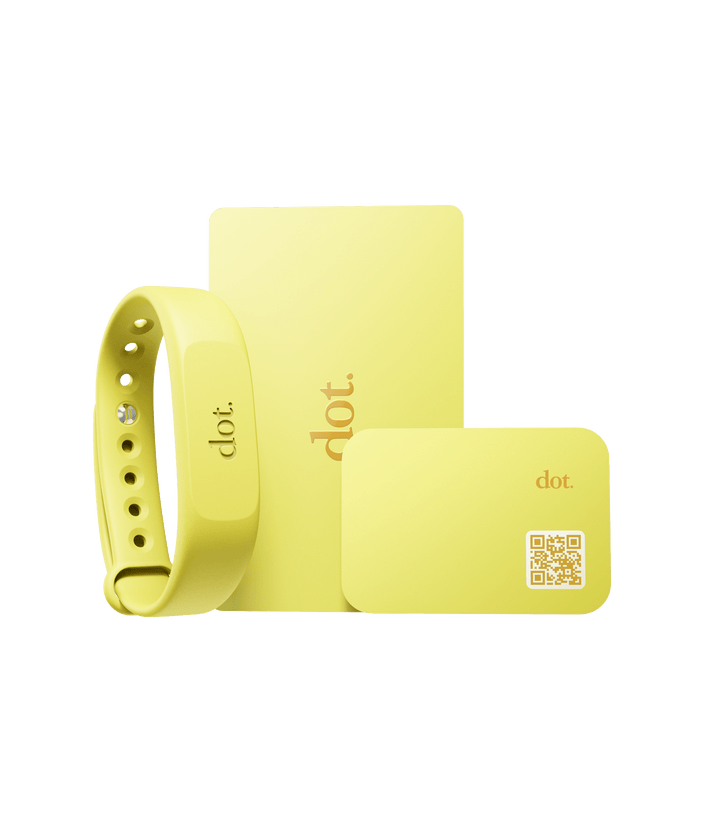
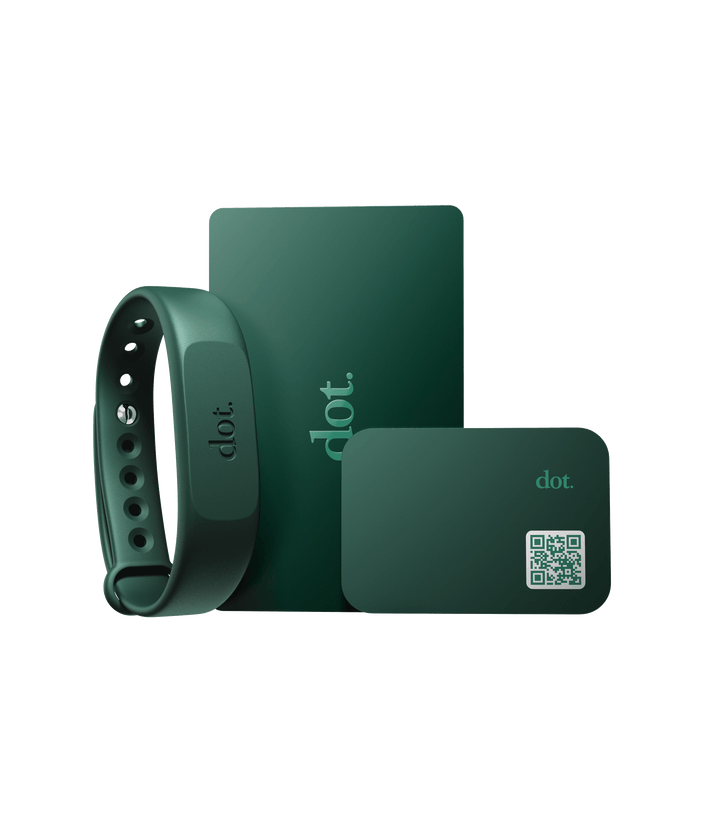
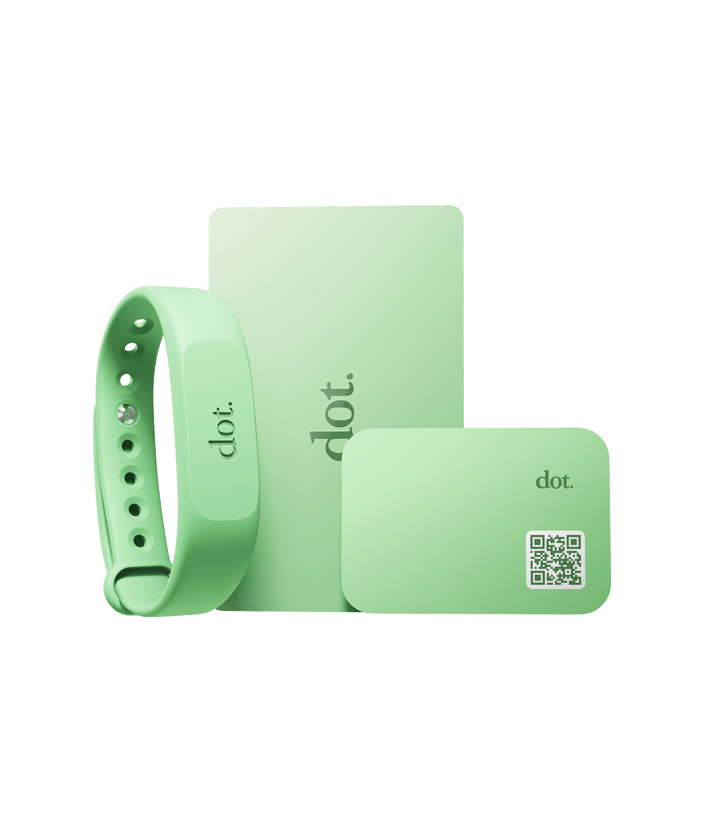
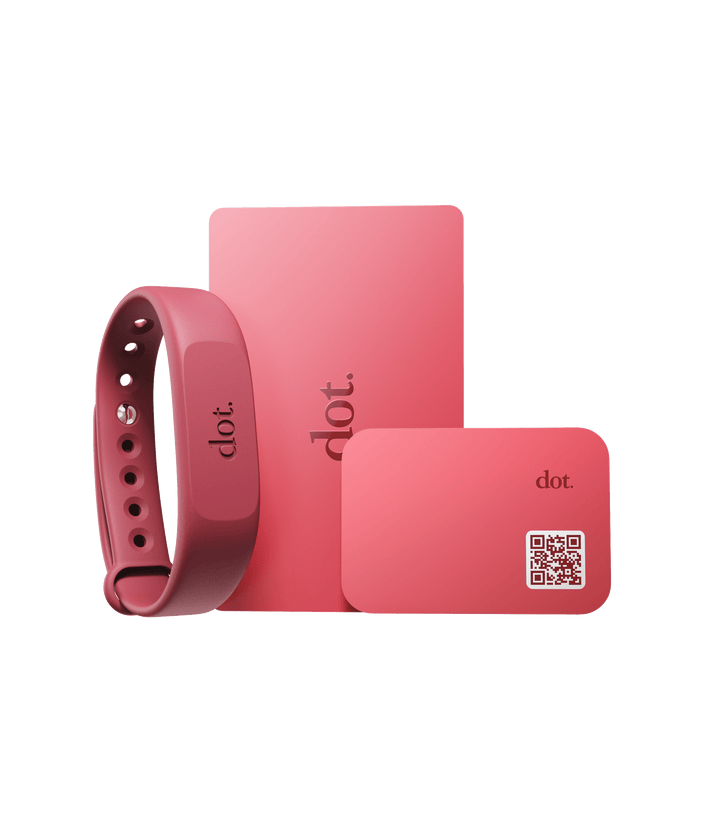
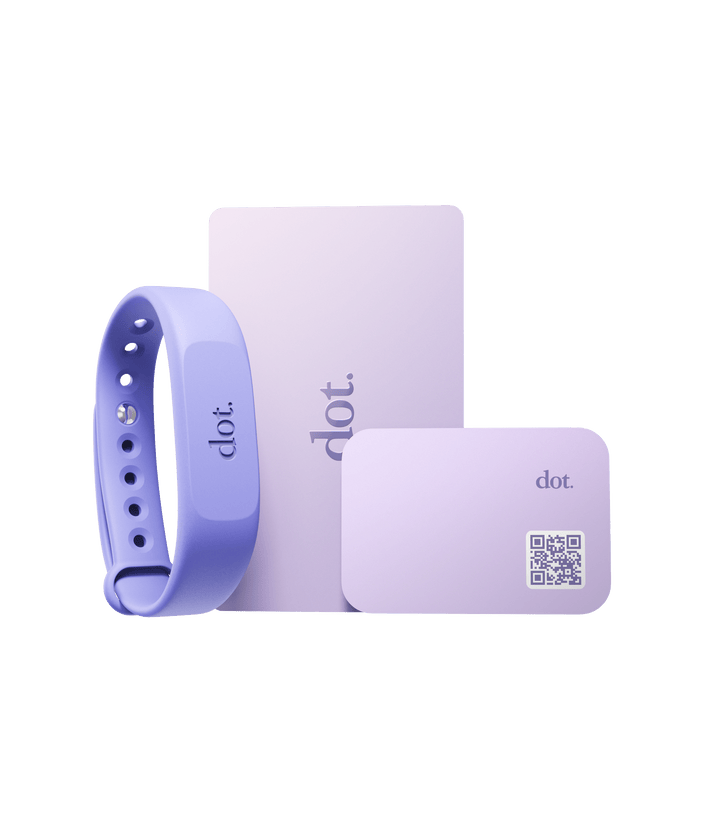
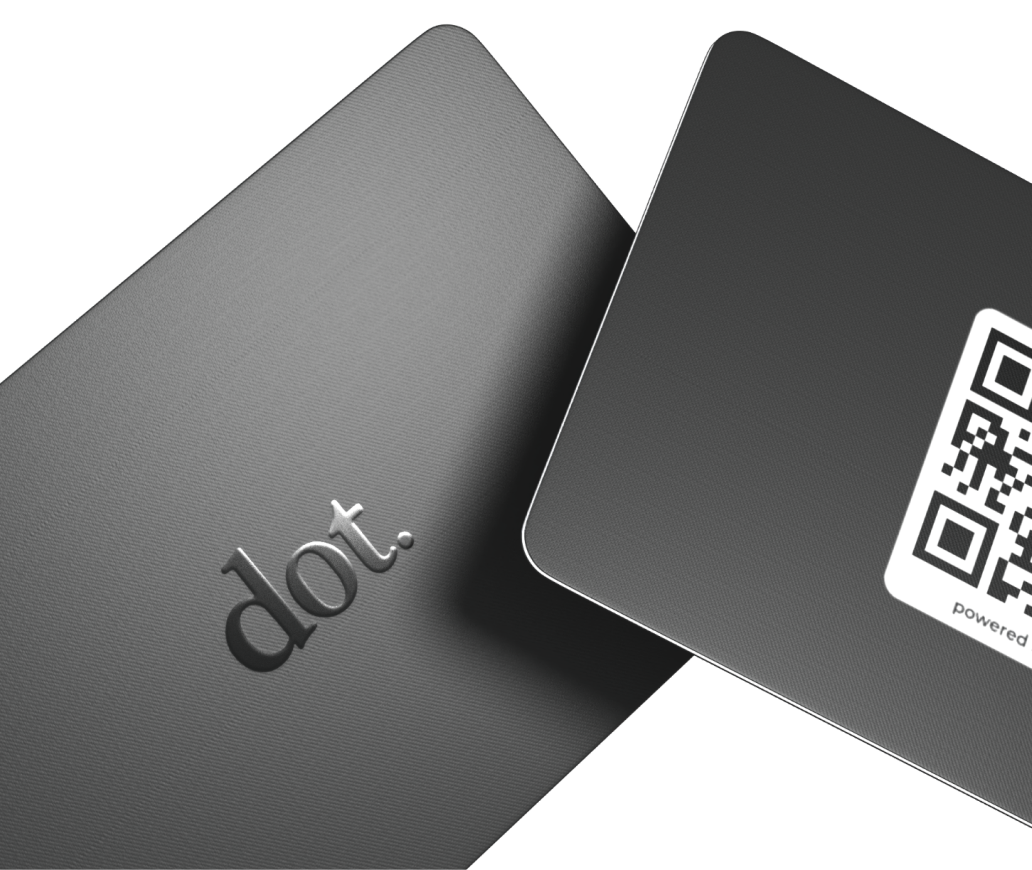
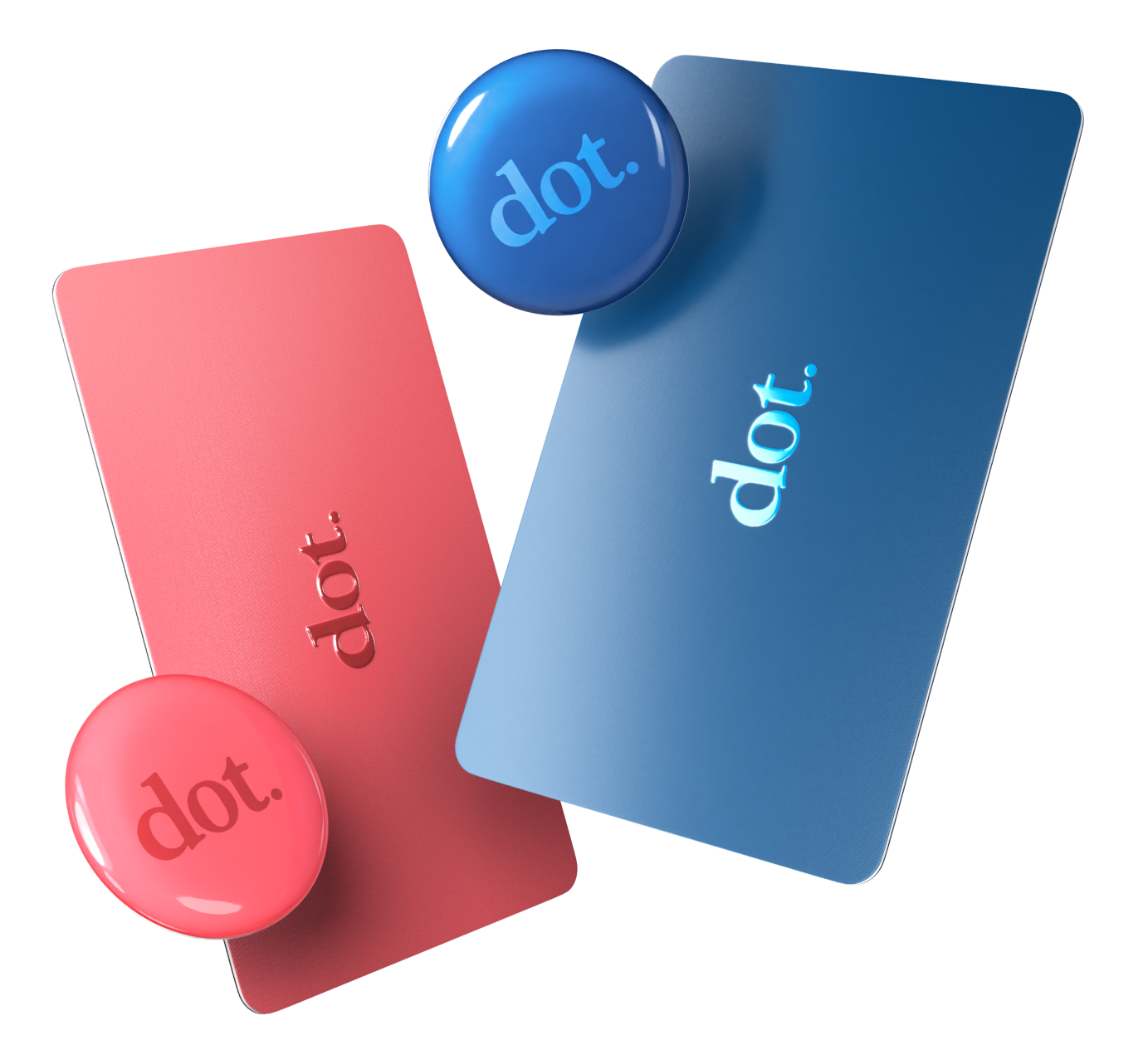
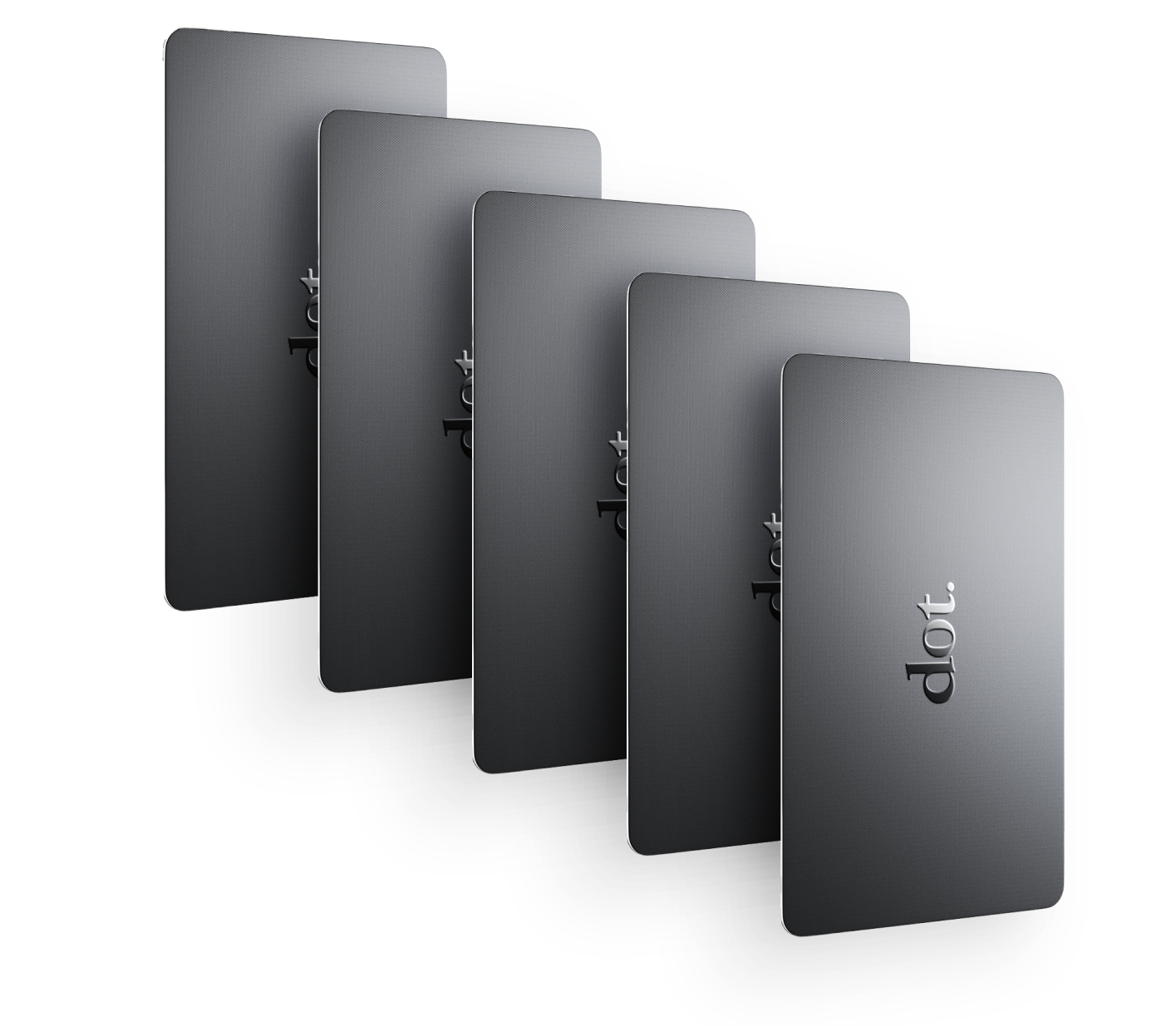
Yes. dot.cards offers both physical NFC devices and a software-based digital profile. Agents can use one profile across open houses, showings, and follow-ups by sharing it via tap, QR code, or link, and update information without reprinting materials.
A Practical Way to Use Digital Business Cards in Real Estate
Digital business cards work best when they:
- Fit naturally into conversations
- Reduce friction for visitors
- Support follow-up without pressure
- Stay consistent across listings and events
For real estate agents, that means using them as a quiet support tool—not a pitch, not a replacement for conversation, but a way to make sure opportunities don’t disappear once the door closes.